
10 Best iPhone Data Recovery Software for Mac & Windows in 2026

Lost photos, messages, or contacts on your iPhone after a failed update, an accidental deletion, or a factory reset? The good news is that recovery is still possible in many scenarios, especially if you have a recent backup or the data was deleted within the past 30 days. The right software can extract what you need from iTunes/Finder backups, iCloud, or even a direct device scan.
We evaluated dozens of iPhone data recovery tools and narrowed the list to 10 that are worth your time in 2026. Below, we explain what each one actually does, how their trial versions work, and when recovery is realistically possible.



Best iPhone Data Recovery Apps: Selection Criteria
Not every tool that claims to recover iPhone data actually delivers. Some overstate what their free versions can do, while others haven’t been updated to support recent iOS versions. Here’s what we looked at when choosing the best apps for this article:
- Recovery methods
The security of iPhones has increased substantially over the years, and not all tools you can download support the main iPhone recovery paths, including direct device scanning, iTunes or Finder backup extraction, and iCloud recovery, which is the main thing we evaluated.
- Recovery performance
We looked at how well each tool extracts usable data, whether file previews matched what was actually recovered, and whether exports came out in readable formats. We also considered the range of supported data types, including photos, messages, contacts, notes, call history, and social app data like WhatsApp.
- Free version limitations
Most iPhone recovery tools call themselves "free" but only offer free scanning and preview. We evaluated how usable each trial version is before purchase, and we penalized tools that force payment before showing scan results, hide what's recoverable behind a paywall, or mislead users about what the free version actually includes.
- Usability
A good iPhone recovery tool should make the recovery process easy to understand. That’s why we ranked lower tools that overcomplicate simple actions and don’t clearly separate individual recovery modes so that it’s crystal-clear what each mode does and when it should be used.
- Device compatibility
We checked whether each tool supports the latest iOS versions and iPhone models, how frequently the software is updated, and whether it runs on both macOS and Windows. Tools with outdated device or OS support were ranked lower regardless of other qualities.
- Pricing transparency
When it comes to the recovery of lost data, it's often well-worth it to spend money on a tool that actually works. But you deserve to know what you're paying for before you pay for it. We favored tools with clearly listed prices, a straightforward distinction between subscription and one-time purchases, and money-back guarantees.
10 Best iPhone Recovery Tools (Mac & Windows)
#After evaluating our initial pool of iPhone recovery tools against the criteria described above, we narrowed the list down to the 10 that performed best overall. Here they are.

1. Disk Drill iOS Data Recovery
4.84 • Best for Mac users who need iPhone recovery – Disk Drill brings its signature Mac-native design and one-click simplicity to iOS data recovery, including your iPhone, iPad, iTunes backups, and virtually any other storage device.
WindowsmacOS
Freemium Some features are provided free of charge, but money is required to unlock the rest
Free preview
$89...$149
Get a 40% discount on Disk Drill PRO with promo code “DD40-IOS”! Follow this link to upgrade now (coupon applied automatically).
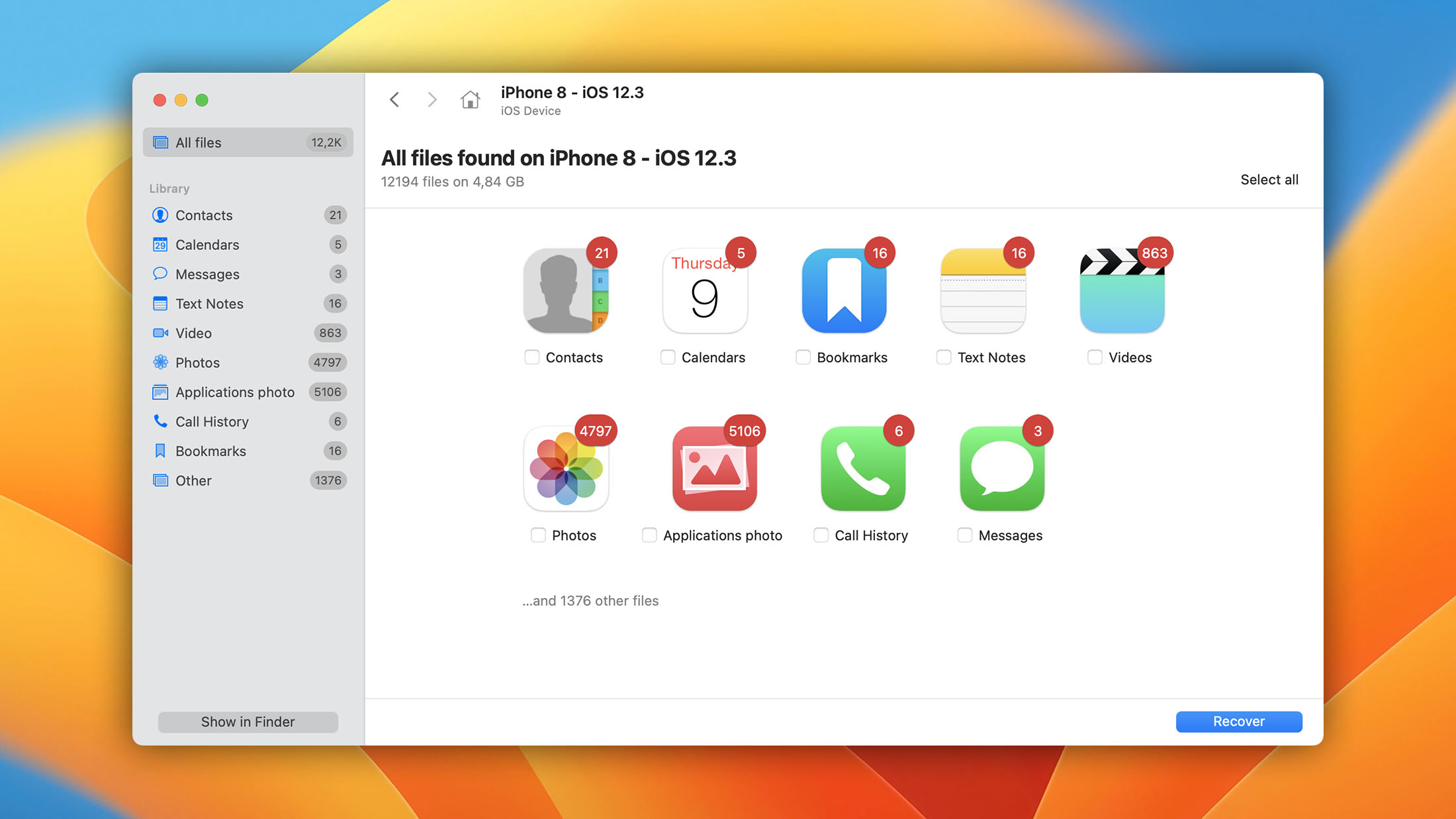
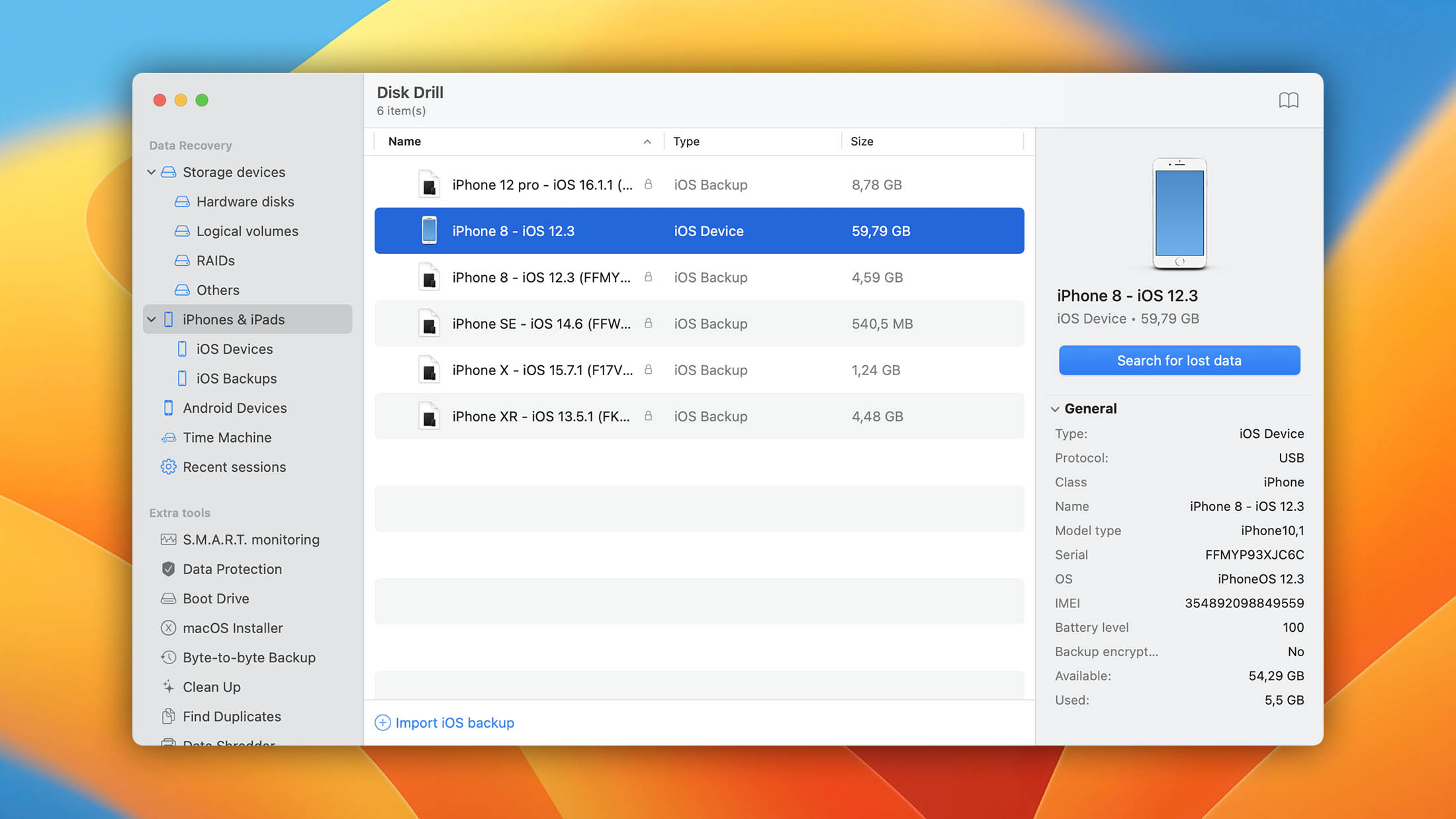
Disk Drill handles iPhone data recovery either by creating an encrypted backup on your Mac and then extracting recoverable data from it or by extracting data from an existing iTunes/Finder backup, including encrypted ones. iOS support spans from iOS 5 through iOS 26.x.x, so it covers every iPhone from the 3GS through the iPhone 17 Pro Max, along with all iPad and iPod touch models. Windows users should know that iOS recovery support on Disk Drill for Windows exists but is currently in beta and not yet visible in the standard interface.
Recoverable data types include photos, videos, contacts, messages, call history, notes, calendars, reminders, Safari bookmarks, voice memos, and WhatsApp data.
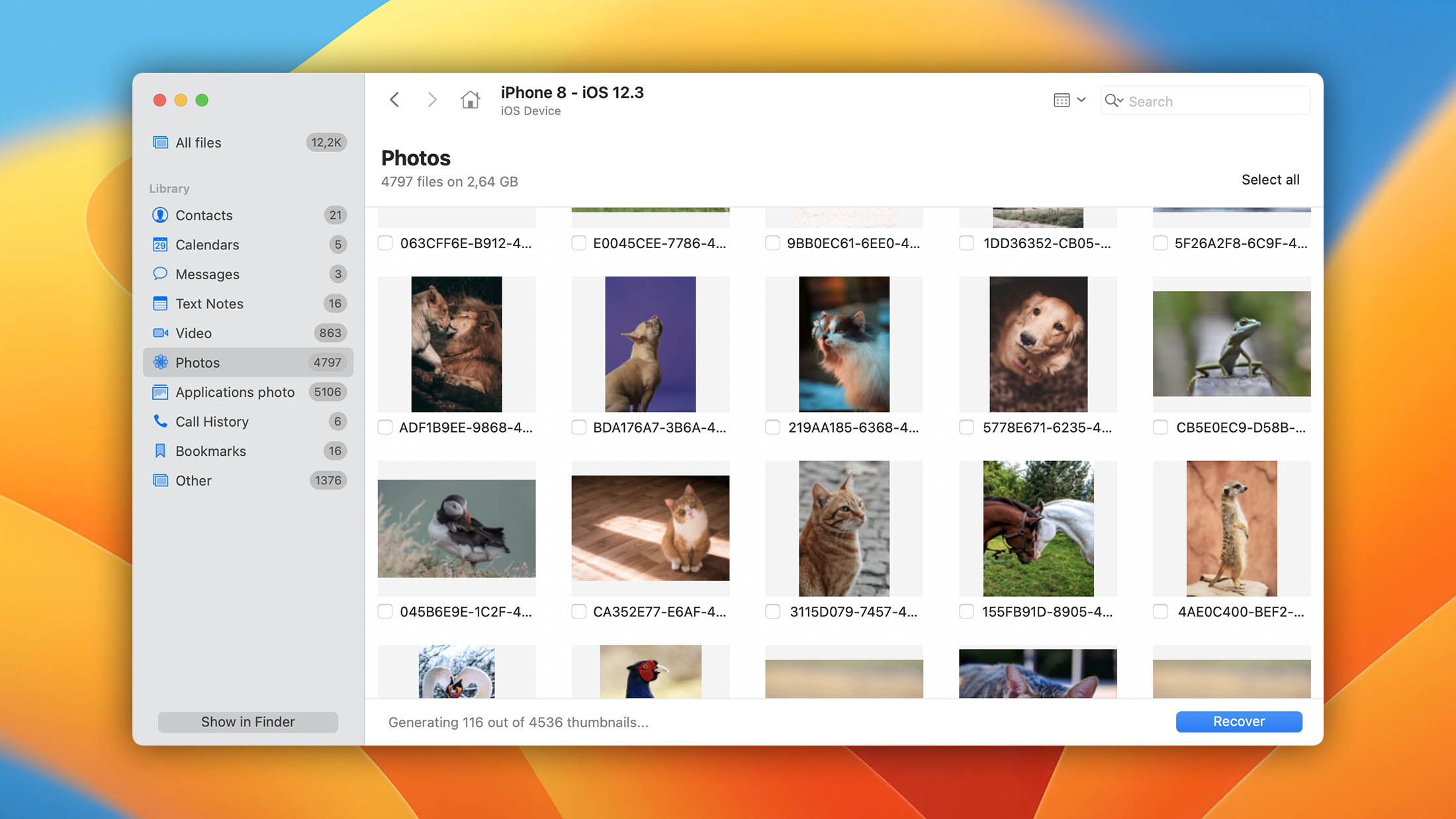
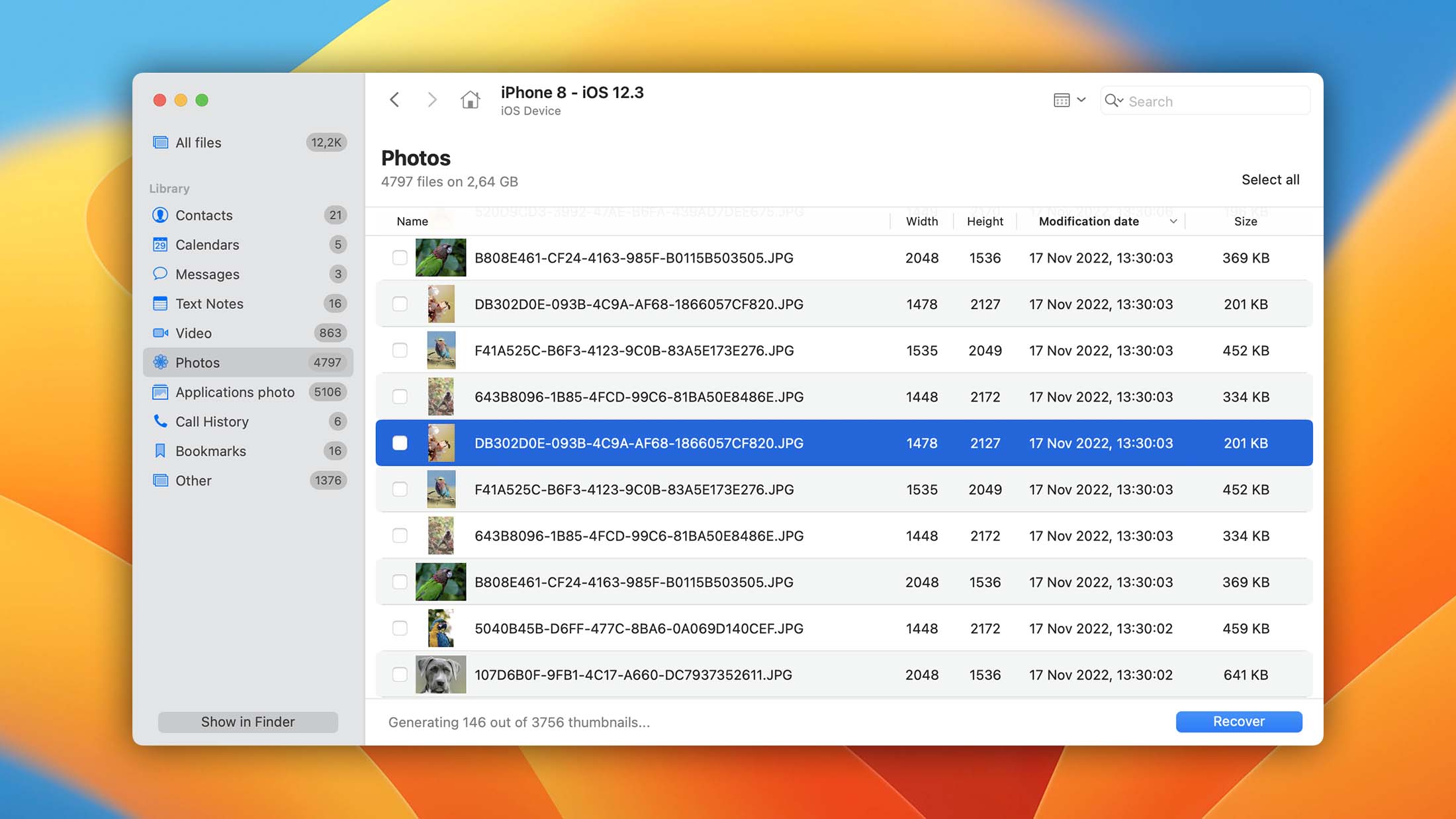
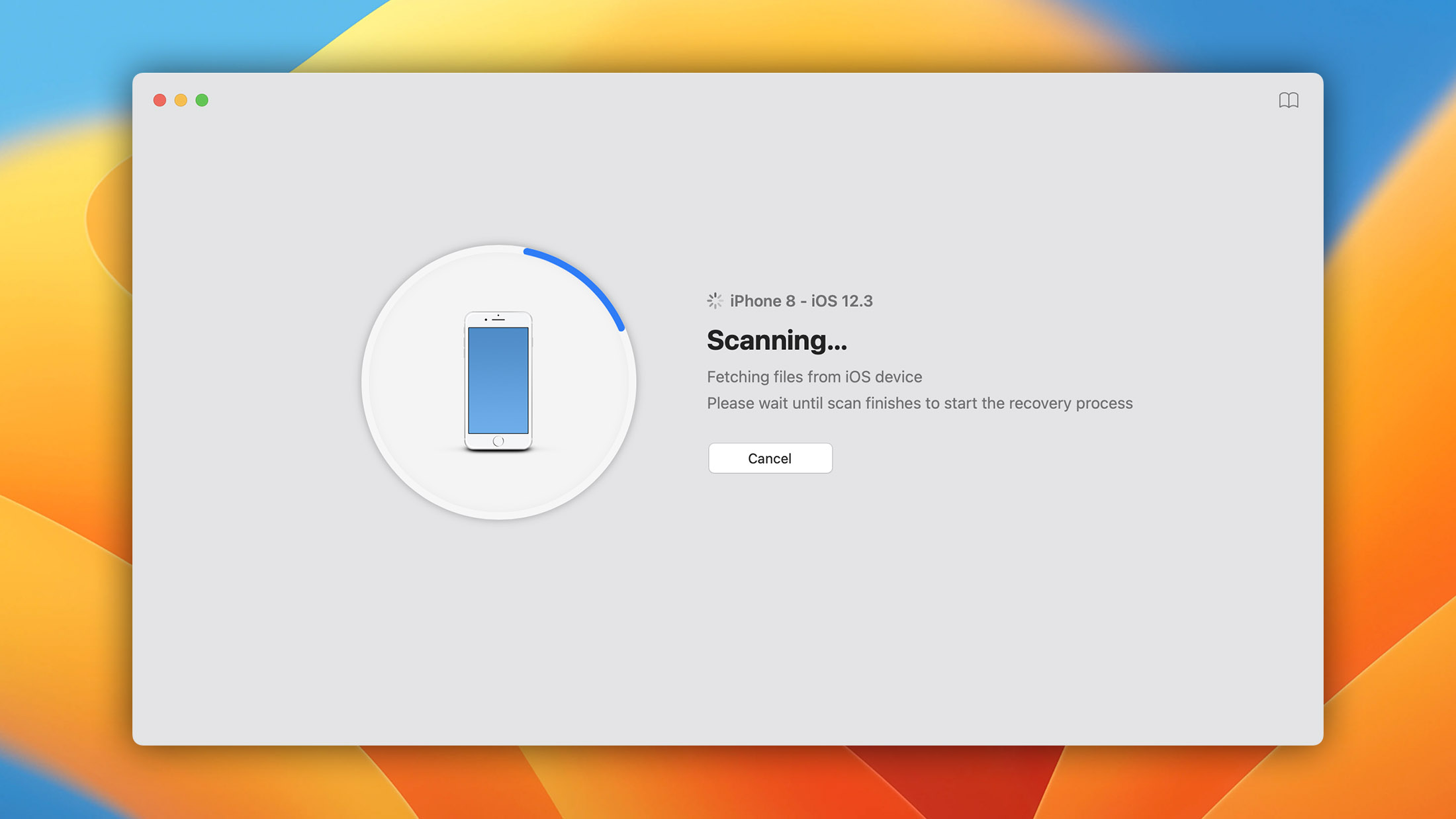
The interface follows a scan-preview-recover workflow that even complete newbies find instantly intuitive. You connect your device, let Disk Drill scan, preview what’s recoverable, and export what you need. For best results, CleverFiles recommends enabling encrypted backups in Finder and having at least twice your iPhone’s used storage available as free space on your Mac. Wi-Fi scanning is also possible if you’ve previously enabled it in Finder, but we can recommend it only if your Wi-Fi network is really fast and reliable.
In addition to iOS recovery, Disk Drill can also recover data from Android devices (on Mac), internal and external hard drives, USB flash drives, and memory cards. The software even bundles several free utilities, including S.M.A.R.T. disk health monitoring, a duplicate file finder, byte-level backup, and Guaranteed Recovery for proactive data protection.
- One-click approach to iPhone data recovery.
- Covers iOS 5 through iOS 26, including the latest iPhone.
- Support for hundreds of file formats.
- All major storage devices are supported.
- No expert skills needed.
- Includes extra free disk tools.
- One license covers up to three devices across two platforms.
Disk Drill turns iPhone recovery into a painless process. The workflow is obvious from the moment you open the app. The fact that it covers every iPhone from the 3GS through the 17 Pro Max with a single license, bundles genuinely useful disk tools at no extra cost, and lets Mac users preview all recoverable data makes it easy to recommend as a first choice.

2. Wondershare Dr.Fone
4.15 • Best all-in-one mobile toolkit – Dr.Fone goes beyond data recovery with system repair, screen unlock, WhatsApp transfer, data eraser, and phone-to-phone transfer built into a single app.
WindowsmacOS
Freemium Some features are provided free of charge, but money is required to unlock the rest.
Free scan and preview
$29.95...$119.95
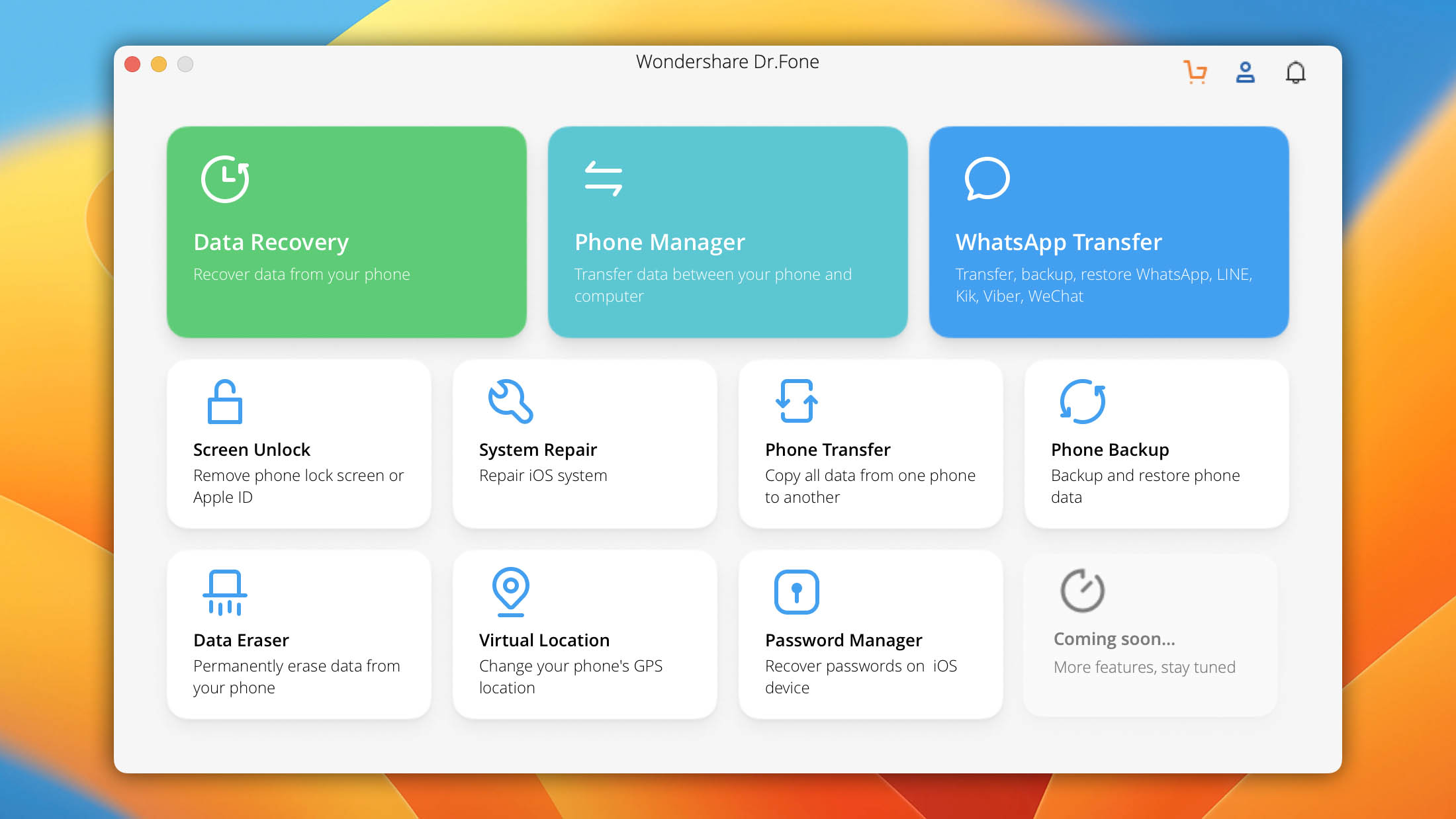
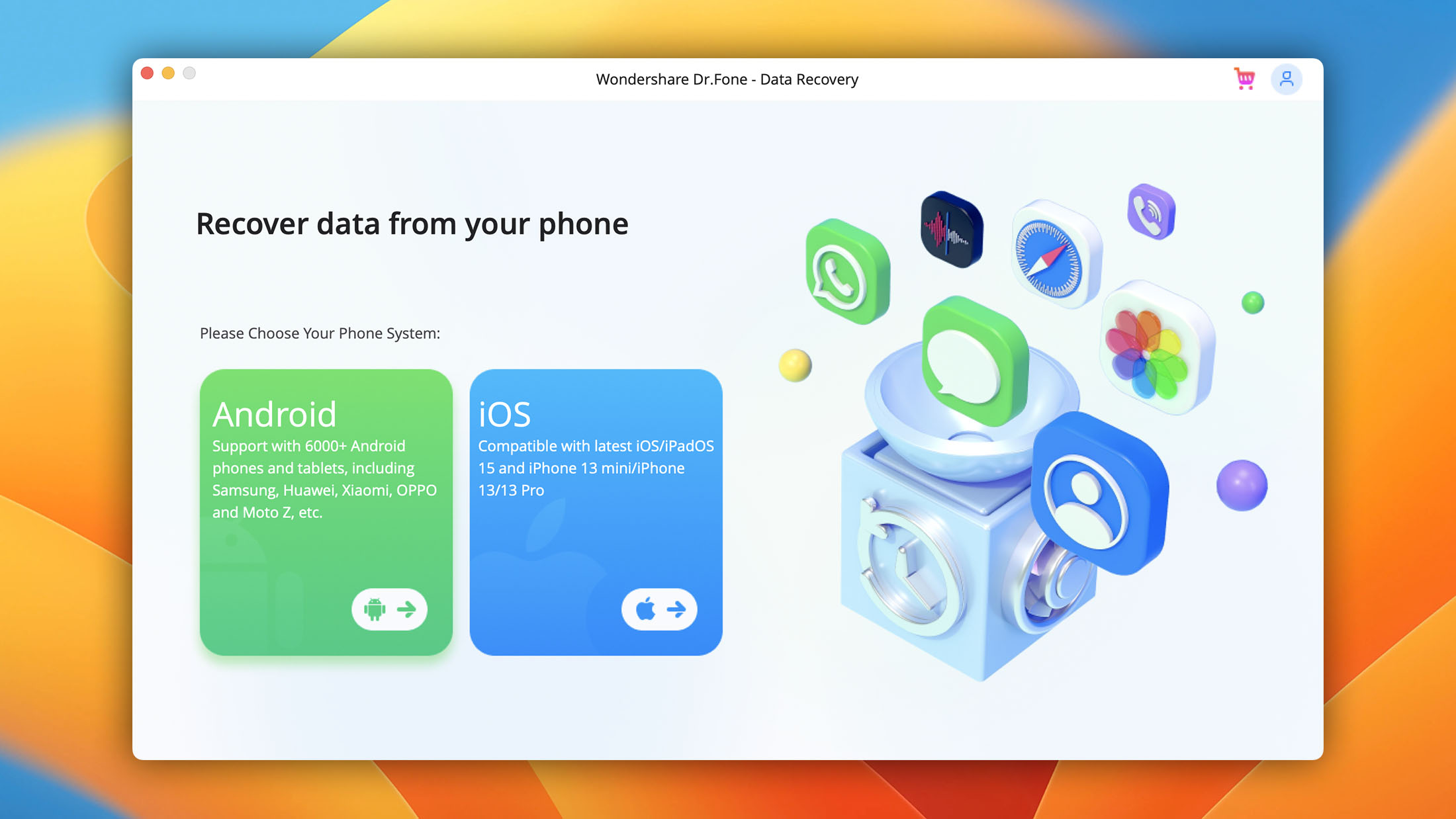
Dr.Fone has evolved from a standalone recovery tool into a full mobile management suite. The current version covers data recovery, phone-to-phone transfer, system repair, screen unlock, data erasure, virtual location spoofing, WhatsApp transfer, password management, and more.
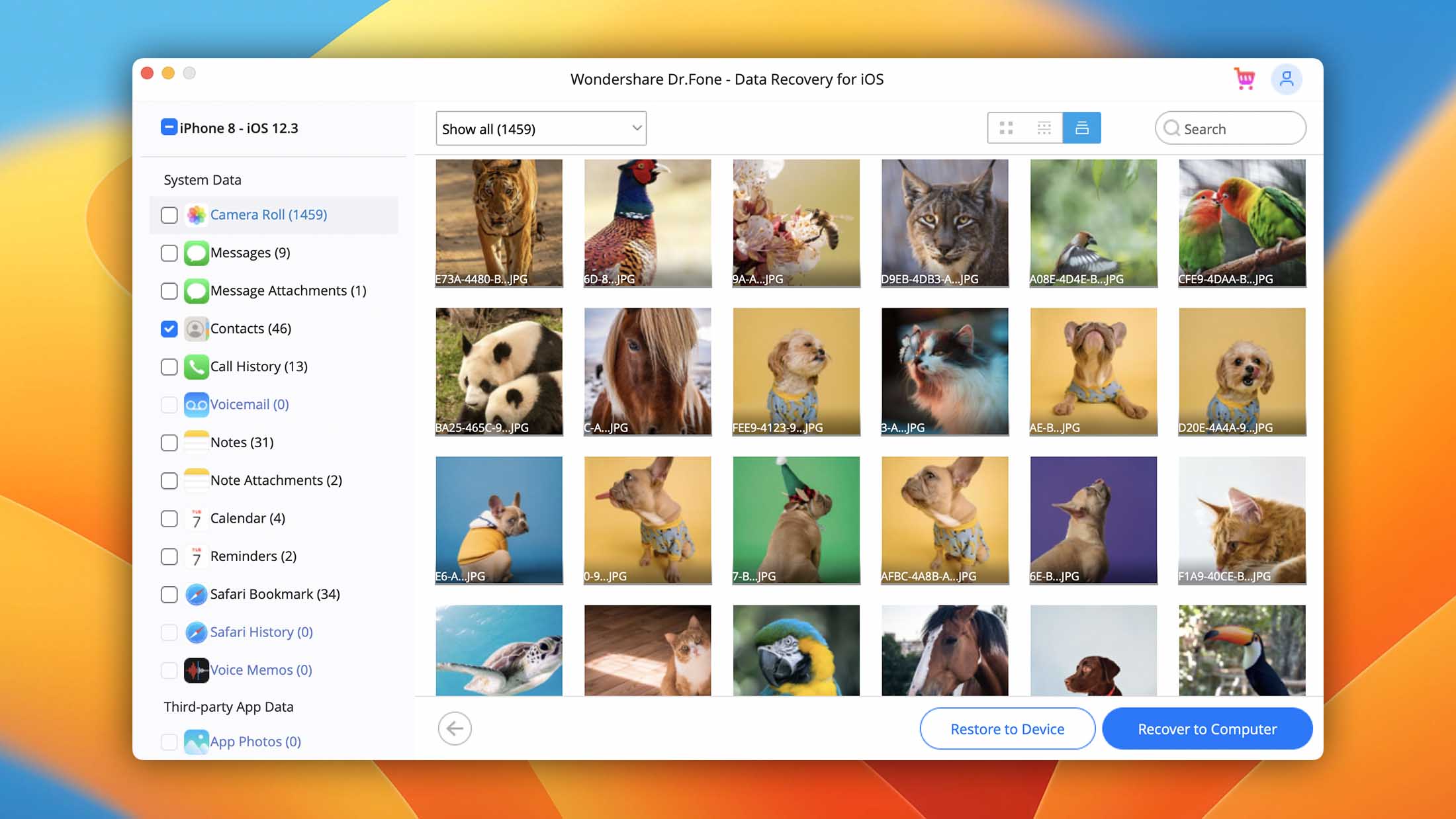
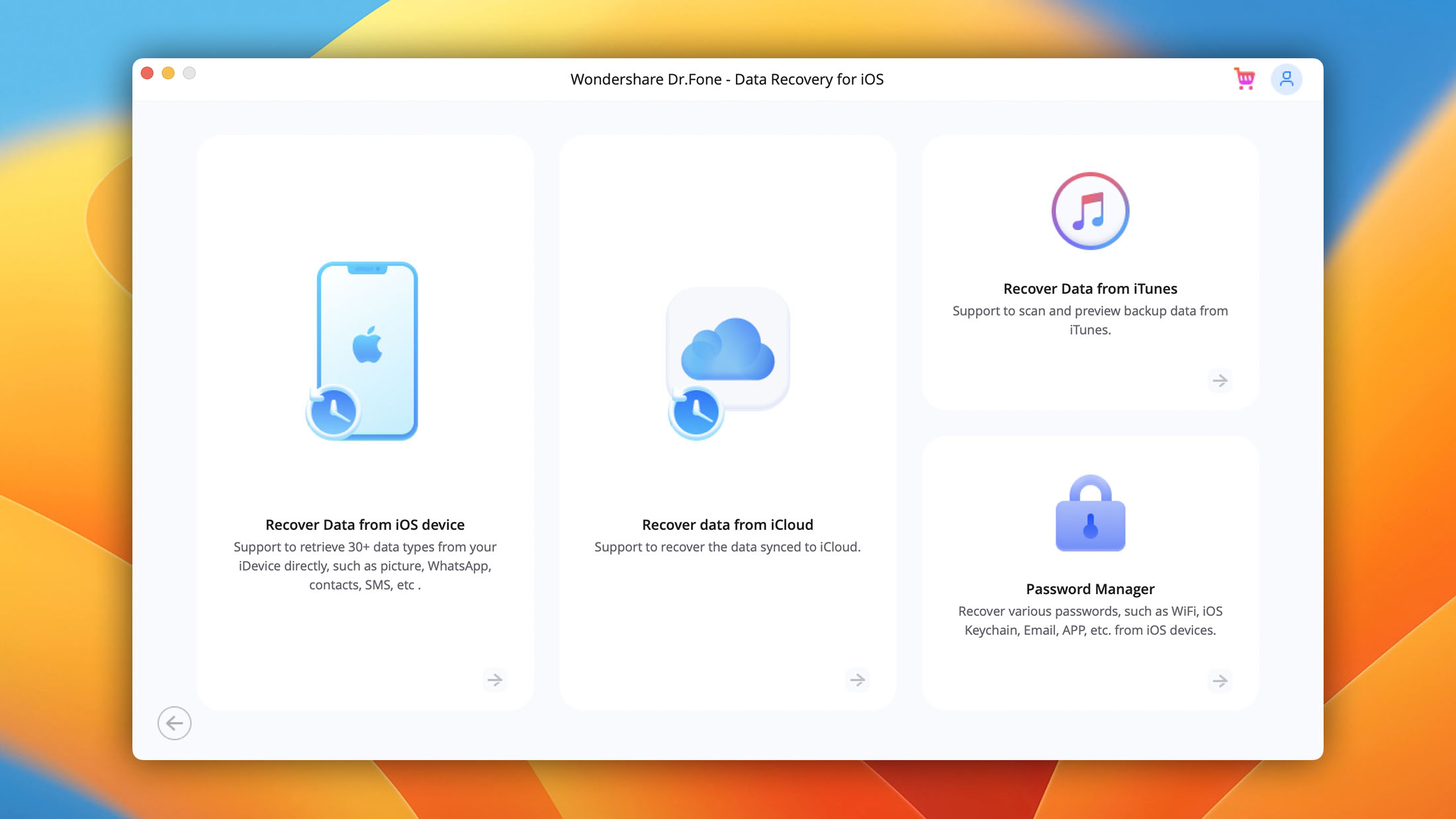
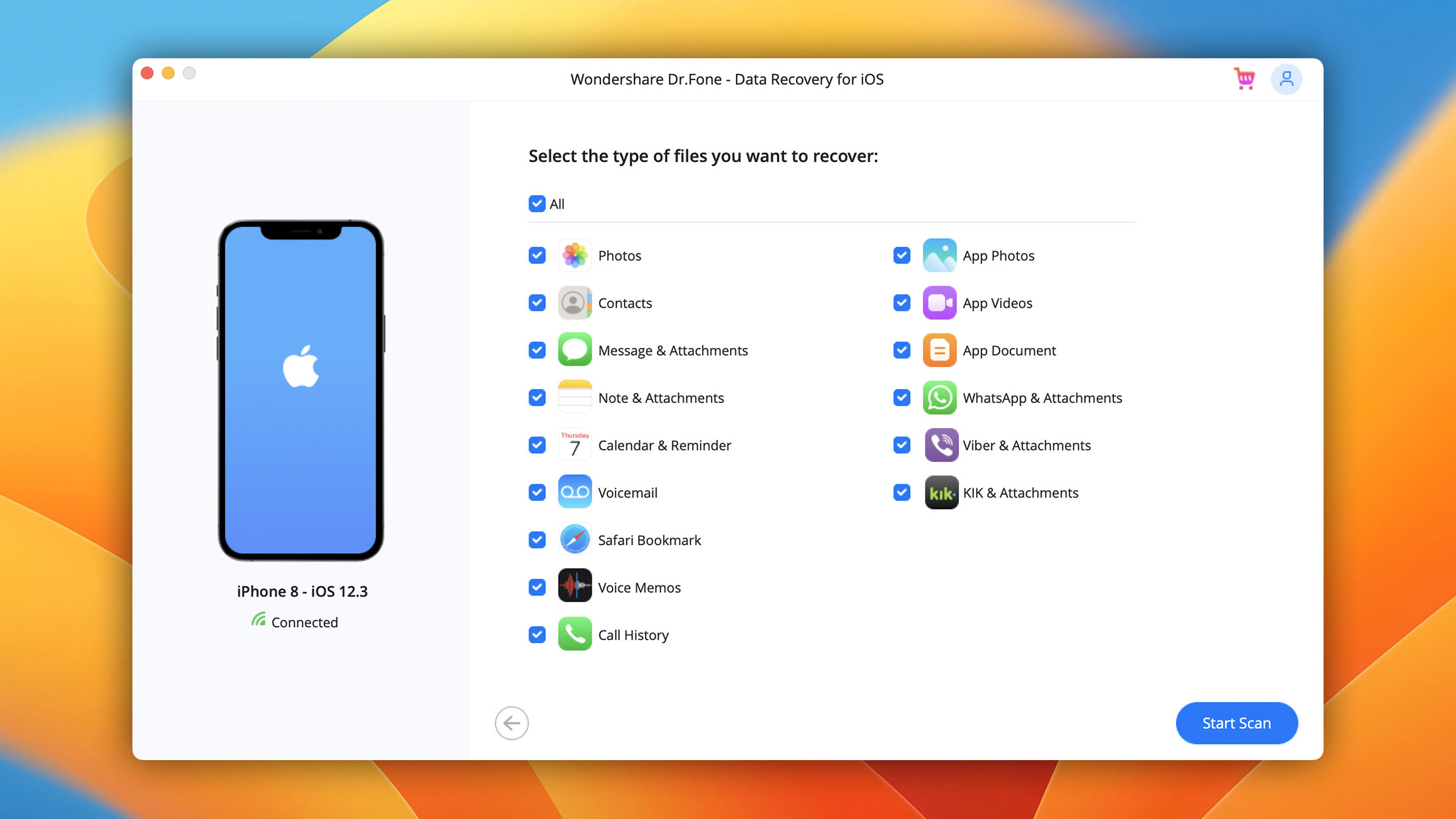
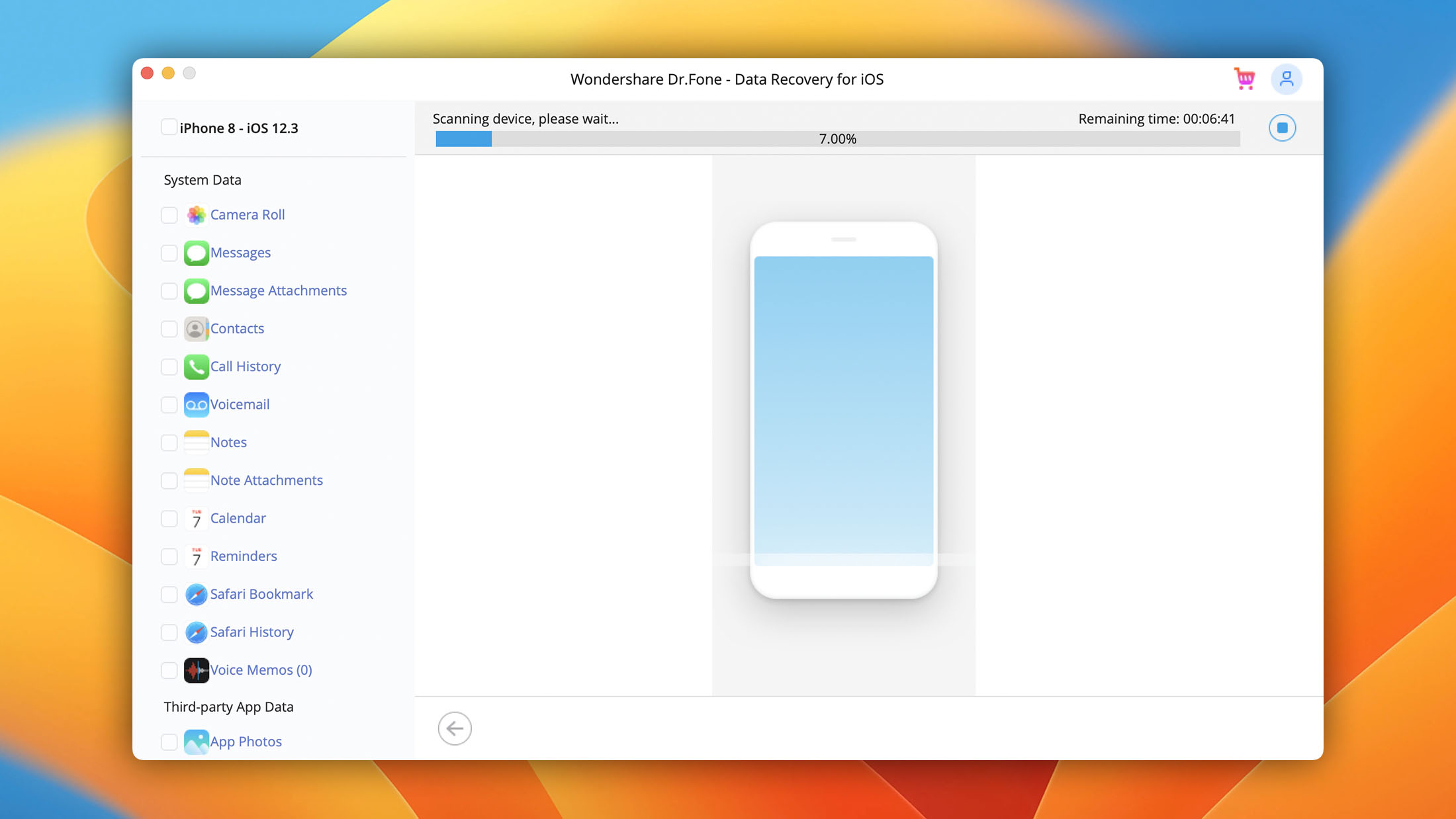
For iPhone recovery specifically, Dr.Fone can recover directly from an iOS device, from an iTunes backup, or from an iCloud backup. It claims support for 35+ data types, including photos, messages, contacts, call history, voicemail, voice memos, notes, calendars, reminders, and app documents. The tech spec page lists compatibility through iOS 26, and supported devices include recent iPhone models.
Wondershare Dr.Fone pricing on Mac starts at $29.95/month for Dr.Fone Basic (the perpetual license costs $49.95), while the dedicated iOS Data Recovery module and broader toolkits cost up to $119.95 (Full Toolkit lifetime). For users who only need data recovery, the modular pricing is reasonable. For those who want the full toolkit, the lifetime option is the better deal over time. Regardless, the free version only lets you scan and preview results, and actual recovery requires a paid plan.
- Full support for the latest version of iOS.
- Broad toolkit beyond just recovery (transfer, repair, unlock).
- Modular pricing lets you buy only what you need.
- Self-explanatory options that make data recovery simple.
- 7-day money-back guarantee.
Dr.Fone by Wondershare makes iOS data recovery simple with its polished user interface and self-explanatory options, allowing everyone from regular home users to professionals to recover data from iOS devices with a few simple clicks.

3. Tenorshare UltData
4.1 • Best for social app recovery – UltData supports recovery from over 35 file types including WhatsApp, LINE, WeChat, Viber, and other messaging apps, making it the top pick for users who need to recover chat histories and social media data.
WindowsmacOS
Freemium Some features are provided free of charge, but money is required to unlock the rest.
Free preview
$49.95...$69.95
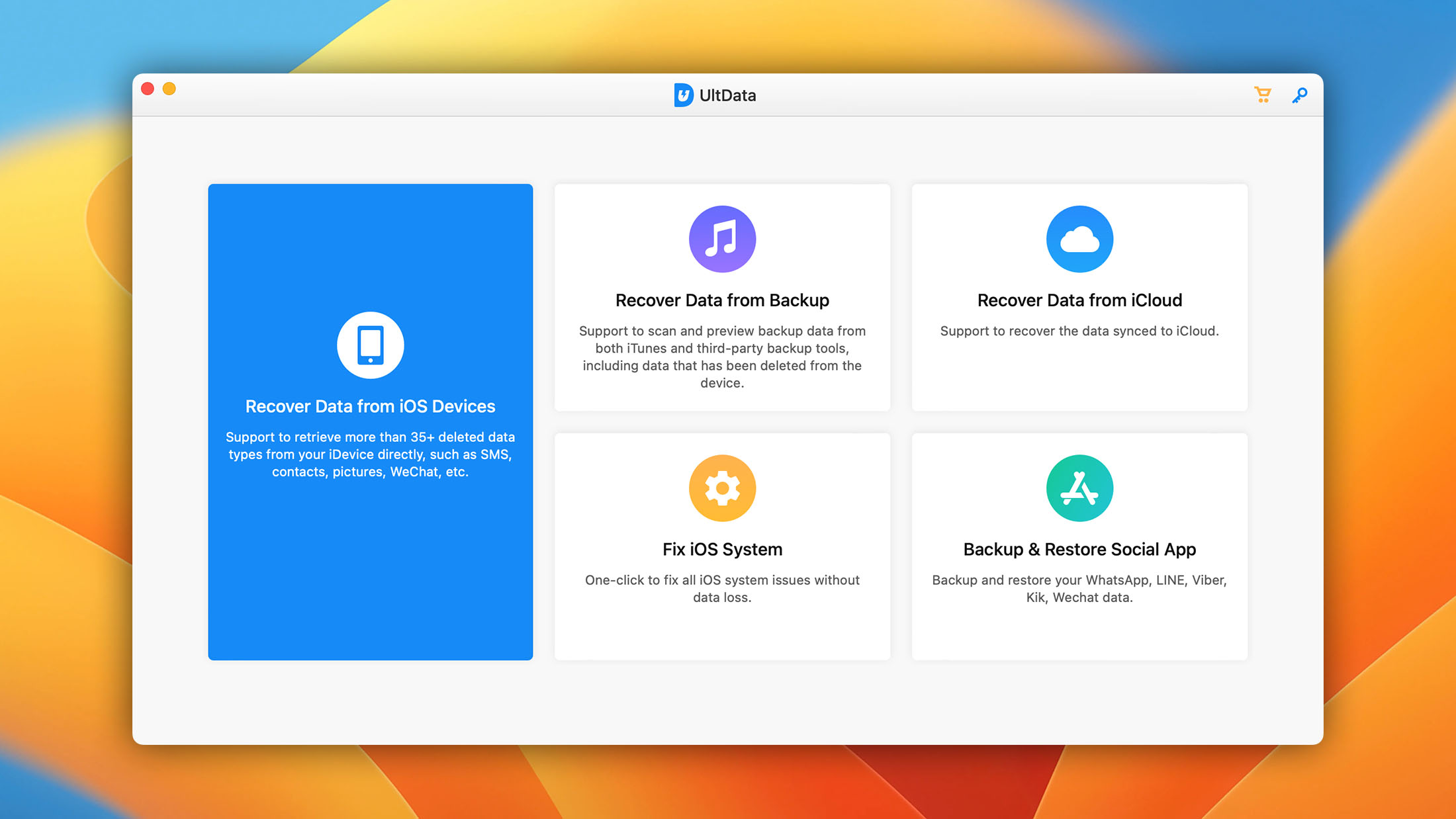
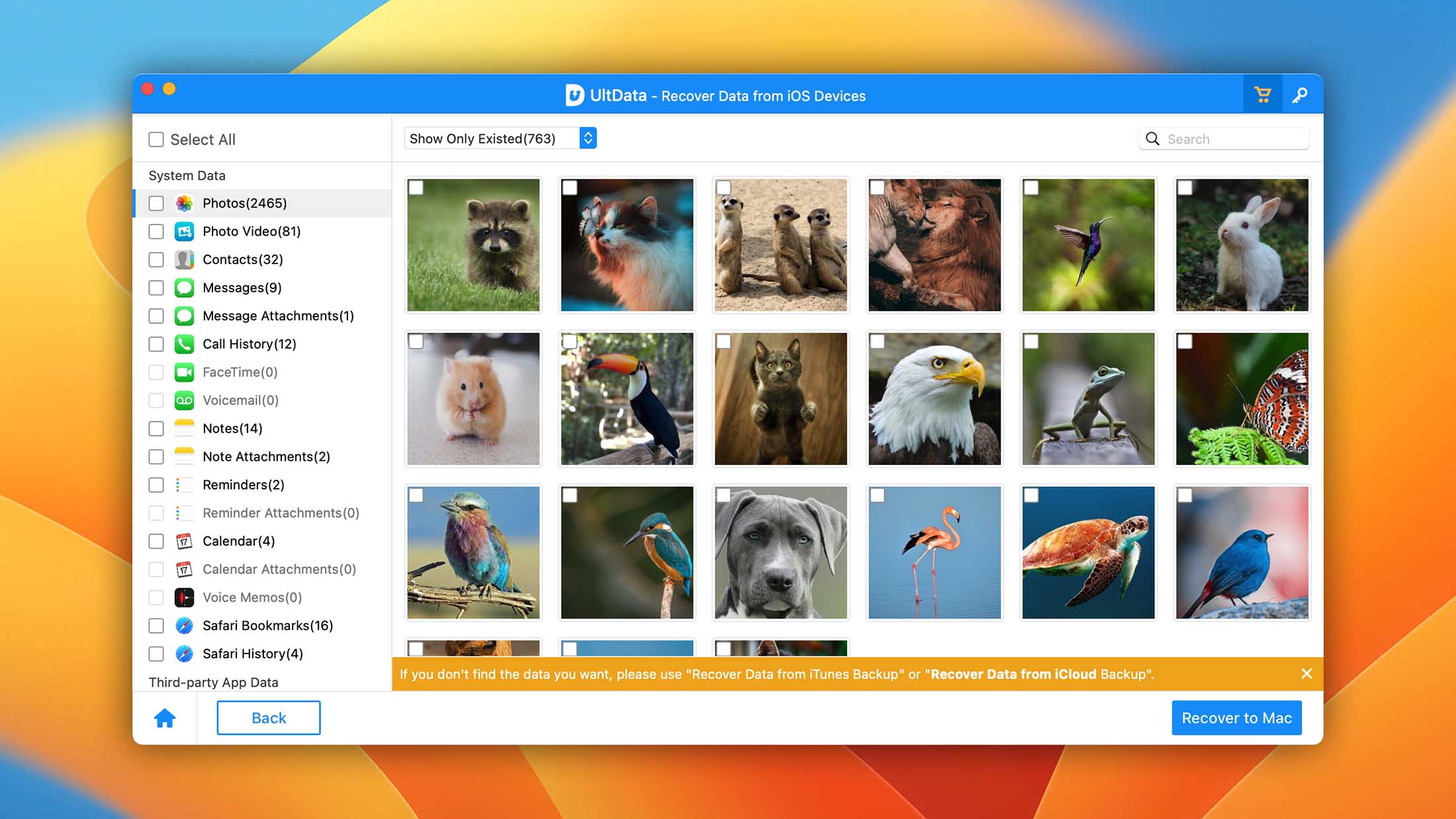
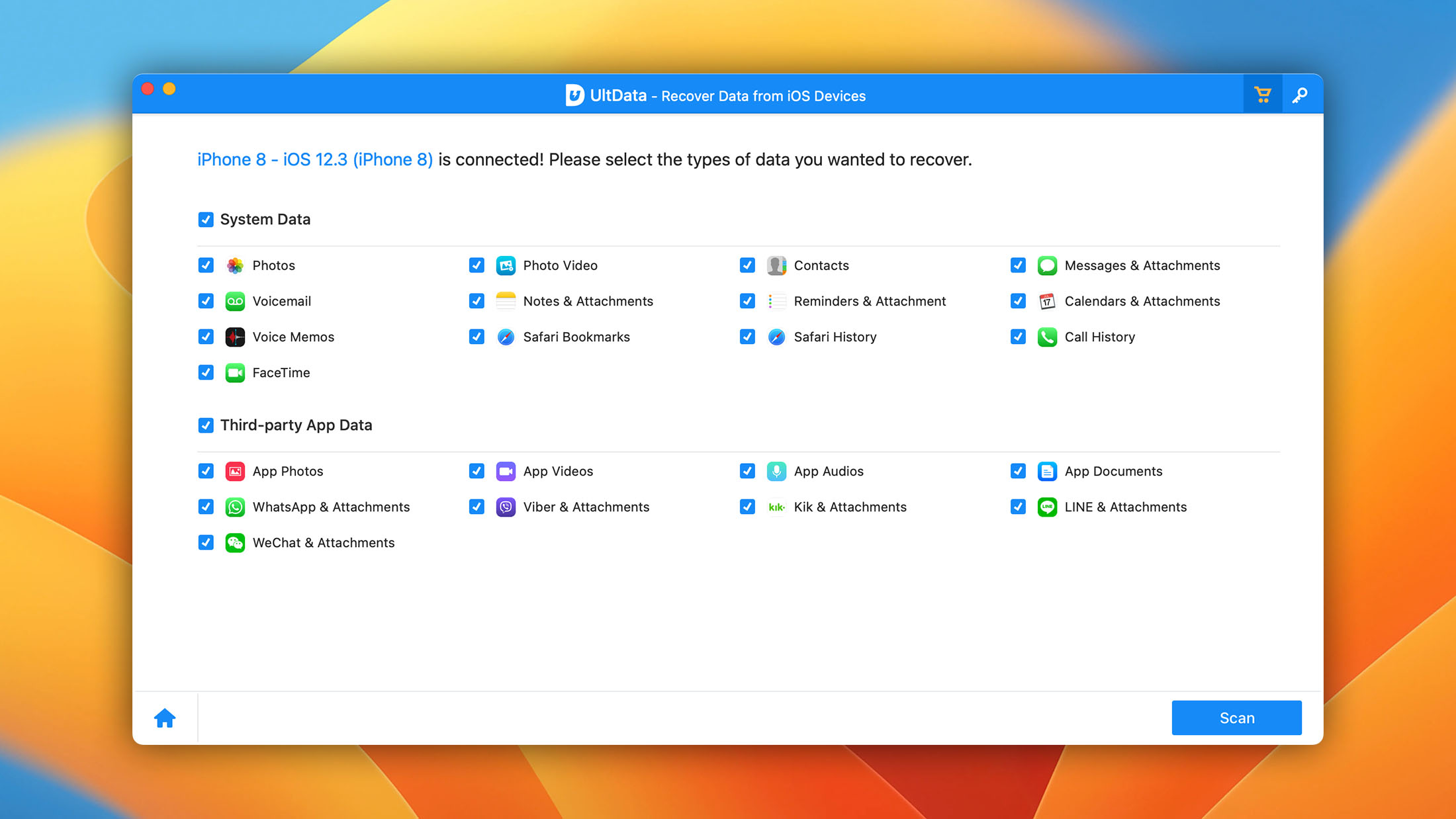
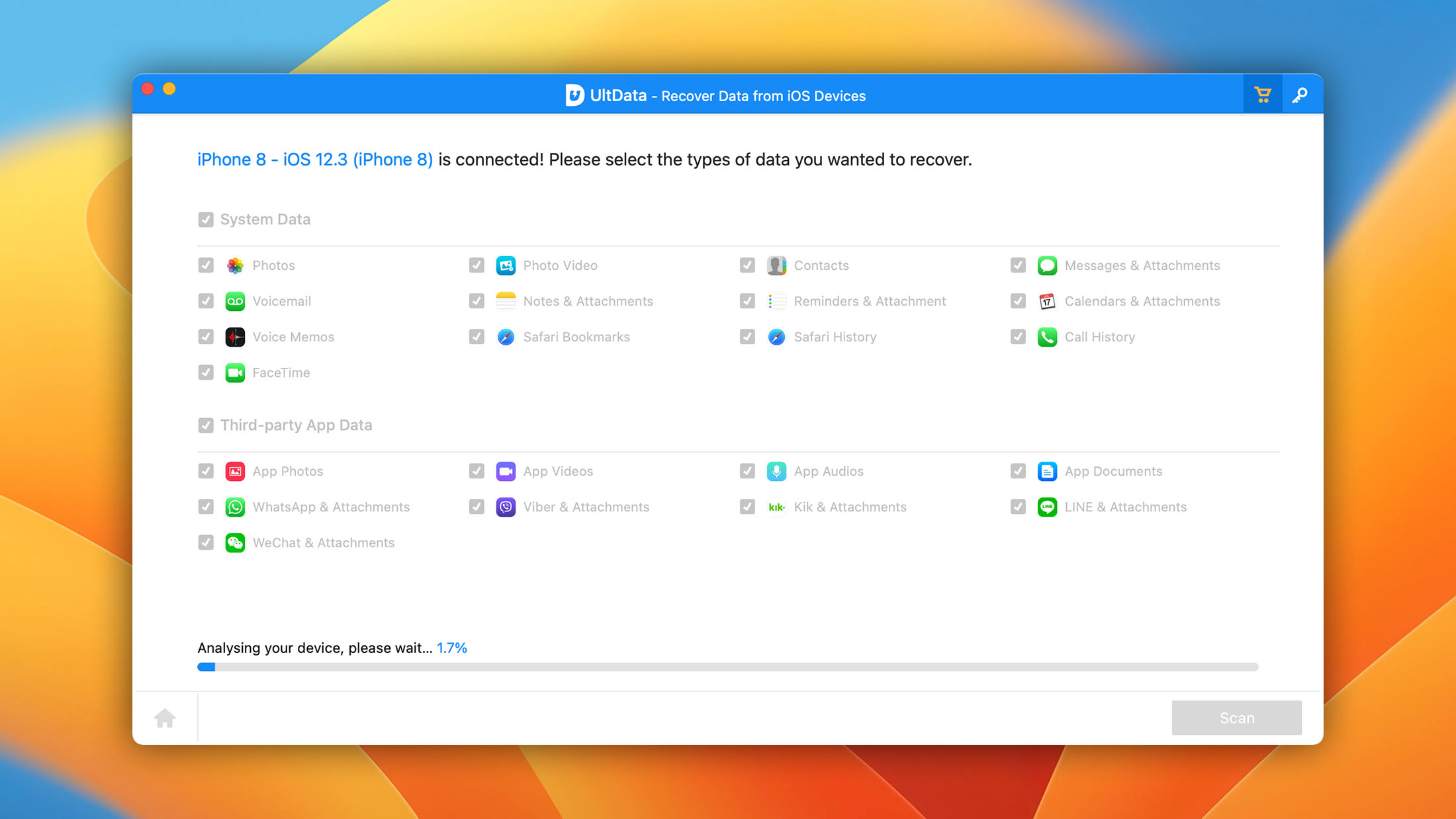
UltData recovers standard iOS data types (photos, videos, messages, contacts, notes, call history, audios, voicemail, voice memos, calendars, reminders, and Safari history) as well as data from eight social apps: WhatsApp, Instagram, Kik, LINE, Messenger, Viber, WeChat, and KakaoTalk. For social apps specifically, it can extract messages, chat history, photos, videos, documents, and attachments.
The tool’s recovery modes include direct device scan, iTunes backup extraction (including encrypted backups), and iCloud backup recovery. It lists support for iOS/iPadOS 26 and covers iPhone models from older devices through the current generation.
UltData also includes an iOS system repair module that handles 150+ system issues, along with backup and restore tools for WhatsApp, LINE, WeChat, and Kik. The problem with this and other similar iOS system repair tools is that they can rarely do anything that’s not possible to do without them using approaches documented by Apple.
Pricing starts at $49.95/year for a Windows subscription, with lifetime licenses at $65.95 for Windows and $69.95 for Mac. When exploring the app’s website, keep in mind that the pricing pages frequently show “permanent discounts” that never expire, which suggests the base prices may be inflated. Also, only contacts and messages can be restored directly to the device; everything else exports to your computer.
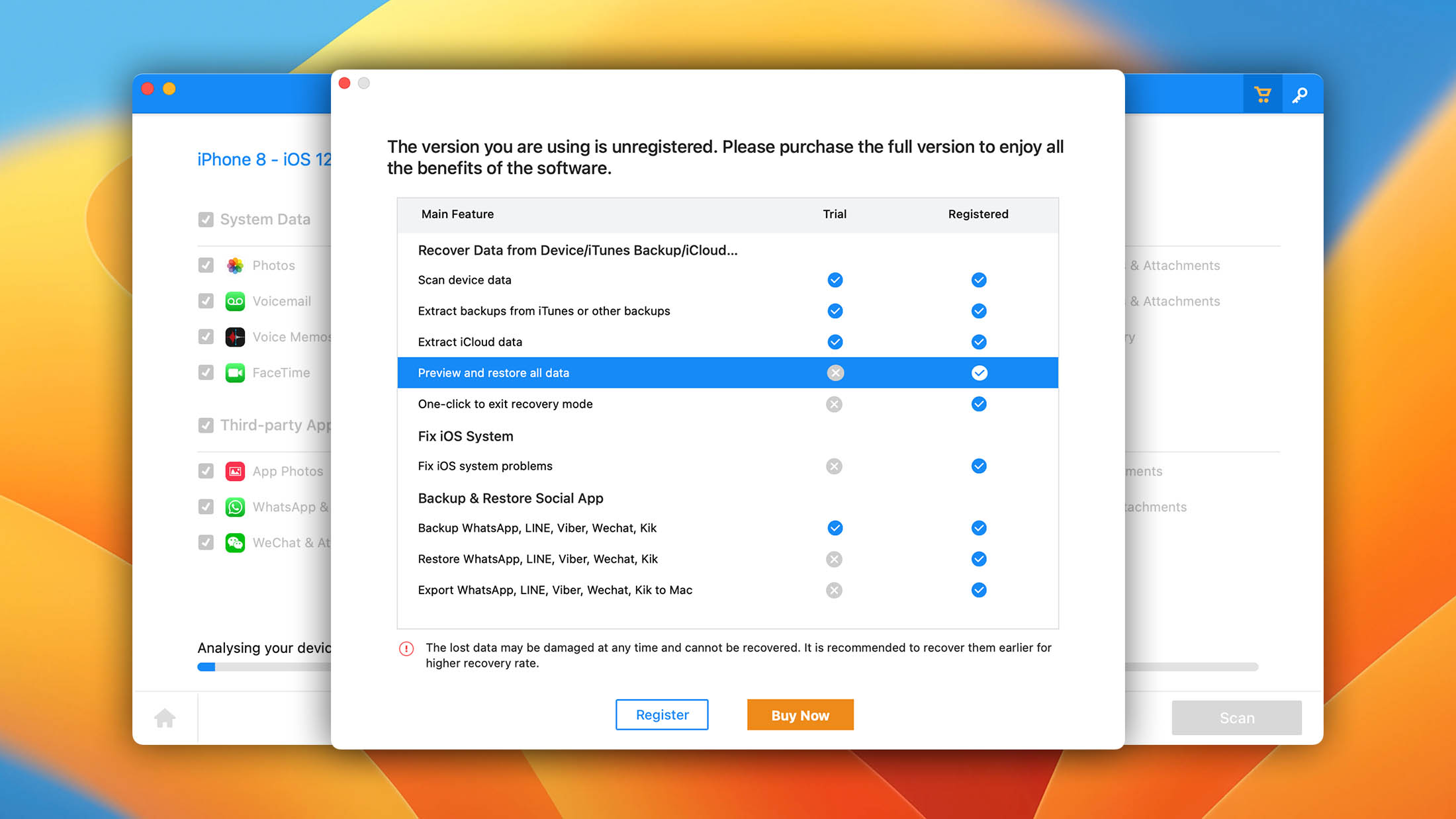
- Multiple data recovery modes.
- Wide social app recovery (WhatsApp, Instagram, Messenger, WeChat, LINE, Viber, Kik, KakaoTalk).
- Built-in iOS system repair.
- Supports all the major file formats.
- Preview of data before recovery.
UltData's standout feature is its wide social app support. If you need to recover WhatsApp, Instagram, or LINE conversations specifically, it's one of the few tools that claims to handle them.

4. iMobie PhoneRescue
4.05 • Best for restoring data directly to your iPhone – PhoneRescue stands out with its "Recover to Device" option that puts recovered contacts, photos, and notes straight back onto your iPhone.
WindowsmacOS
Freemium Some features are provided free of charge, but money is required to unlock the rest.
Free preview
$45.99...$69.99
Many iOS users from around the world have selected PhoneRescue as their data recovery software application of choice, leaving many raving reviews praising the app’s intuitive UI, straightforward workflow, and step-by-step wizard.
The latest version of iMobie PhoneRescue supports iOS 5 through iOS 26 and iPhones through the 17 series, and it runs on both Windows and Mac. It lets you retrieve all your data with just three simple clicks, so no technical knowledge is required. In addition to rescuing your data, PhoneRescue also fixes annoying iOS system issues, including white/blue/black screen of death and devices stuck in Recovery/DFU Mode, just to give some examples.
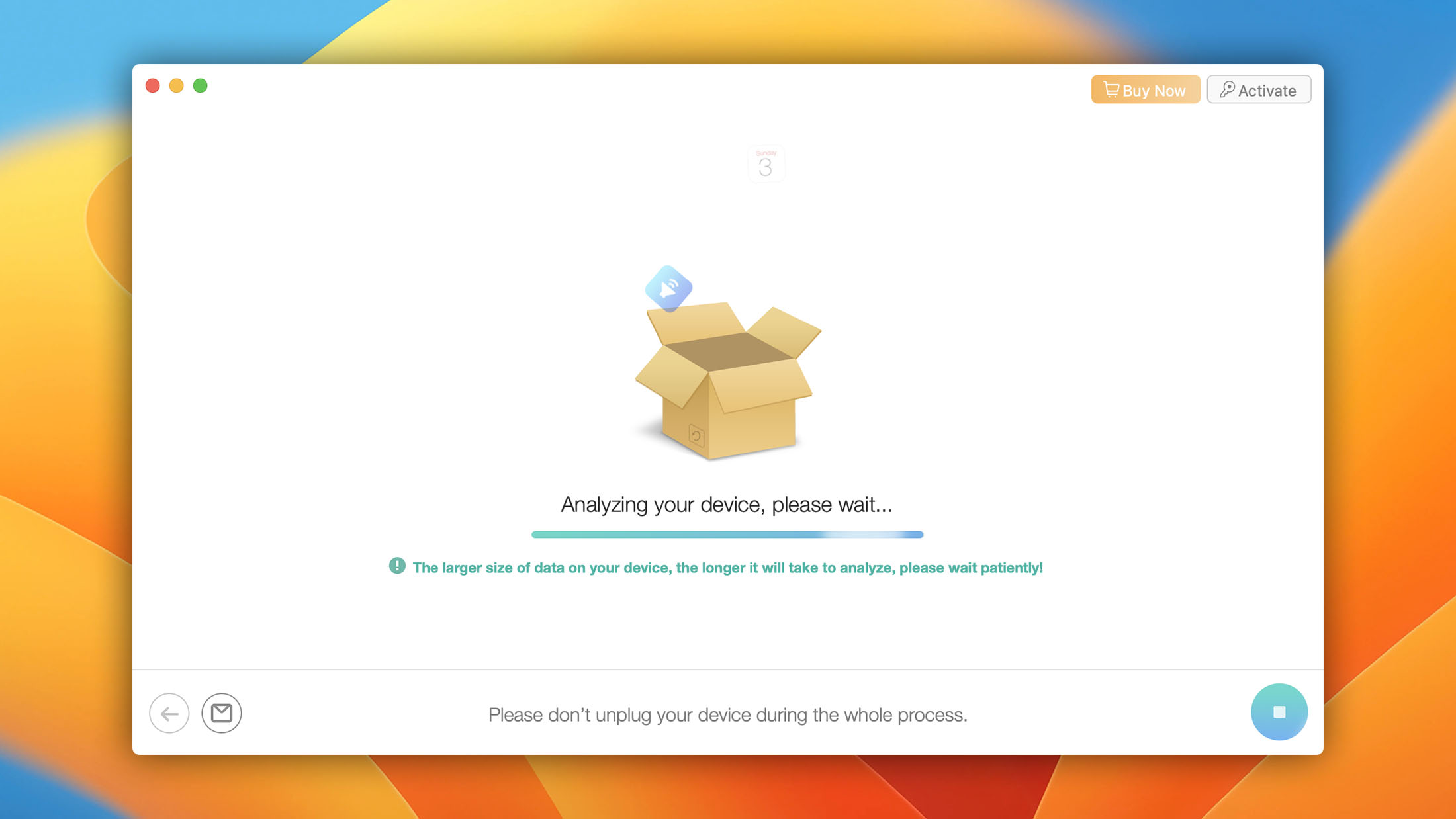
iMobie PhoneRescue is packed with proprietary technologies to ensure successful recovery under all conditions. Thanks to the so-called NO-DATA-LOSS technology, scanning takes just a short while because multiple scan processes are started simultaneously. There’s also ForceRestore, which can fix corrupted backups and create the fundamental files required for a successful restore.
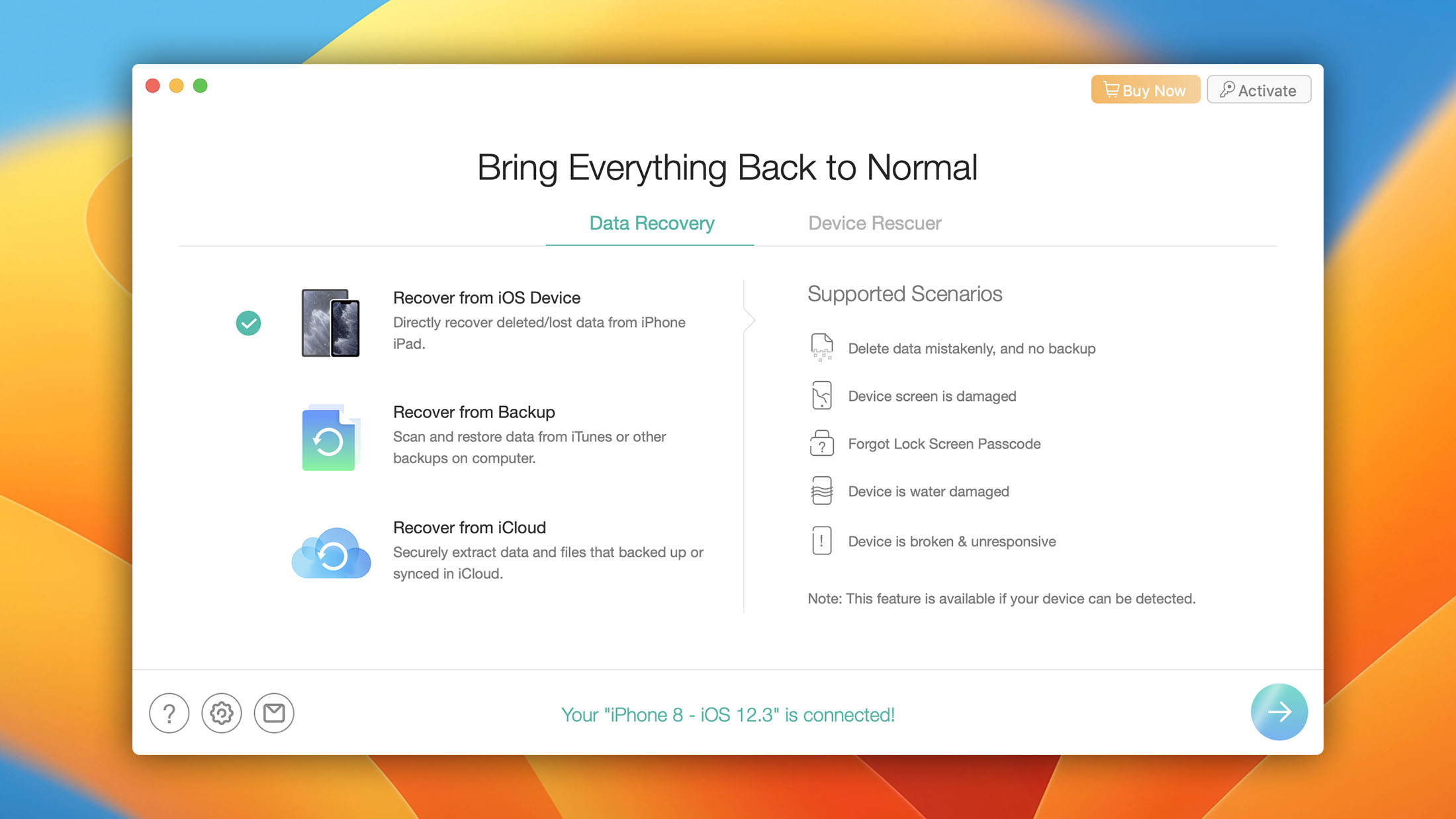
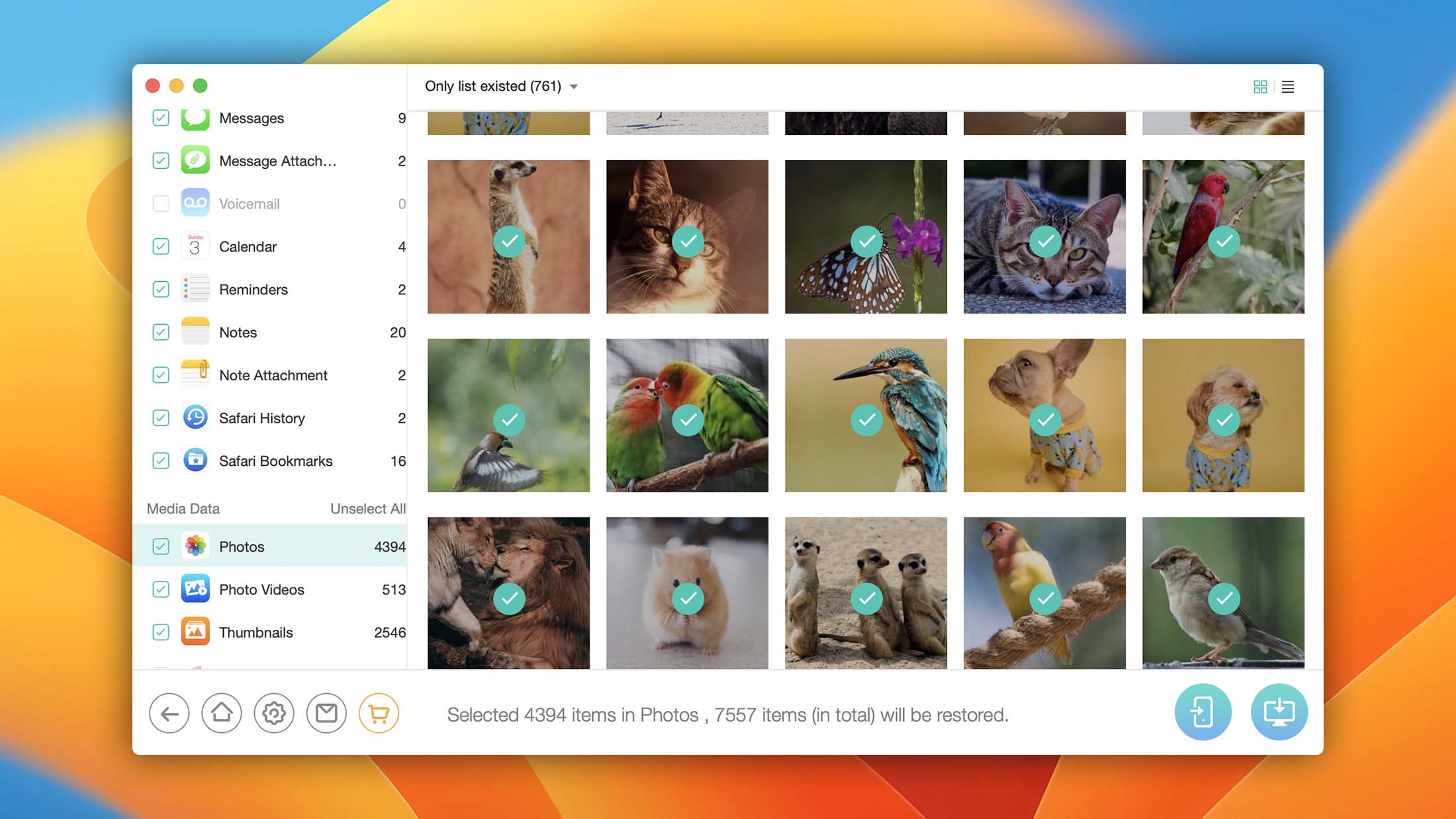
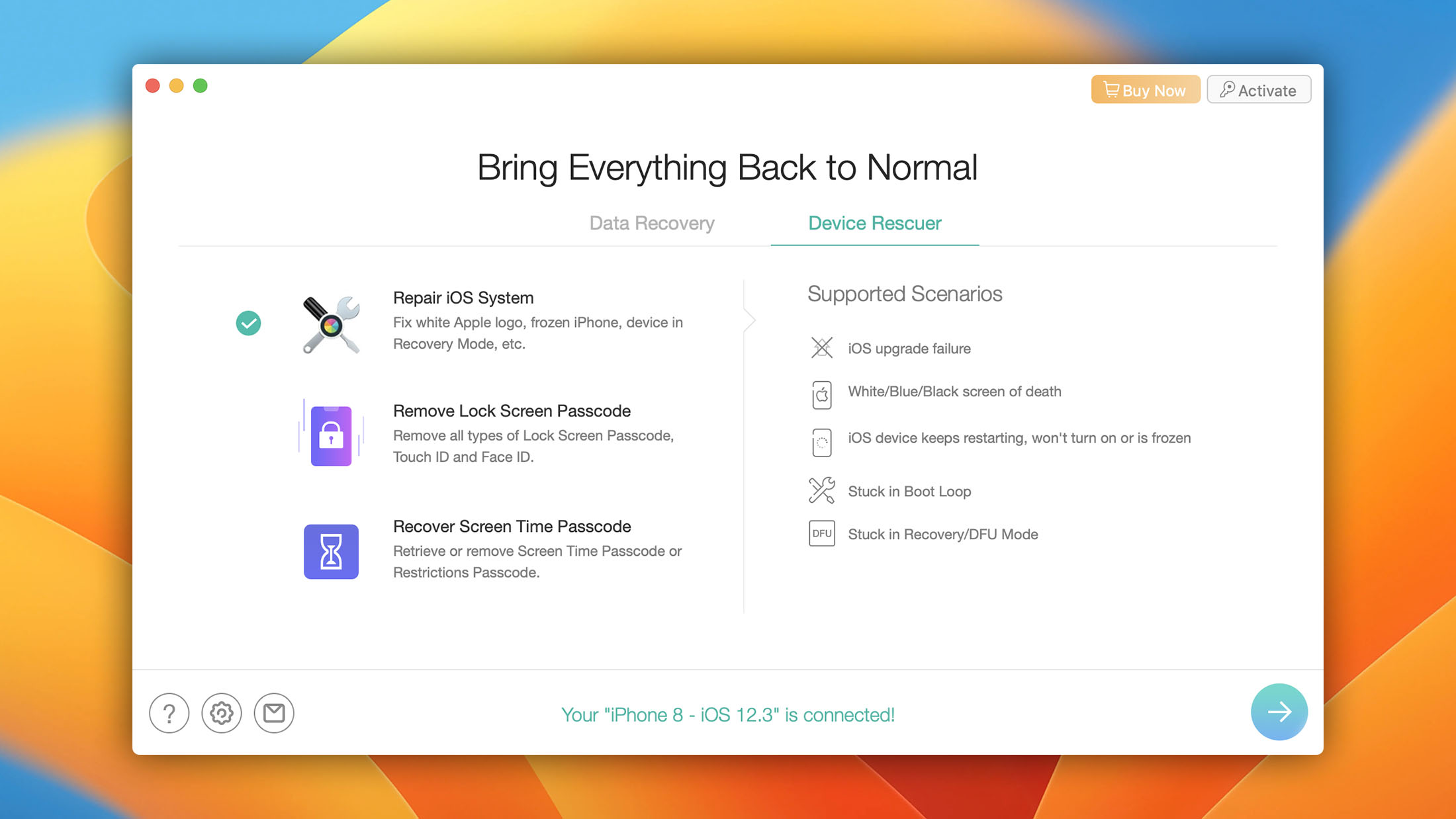
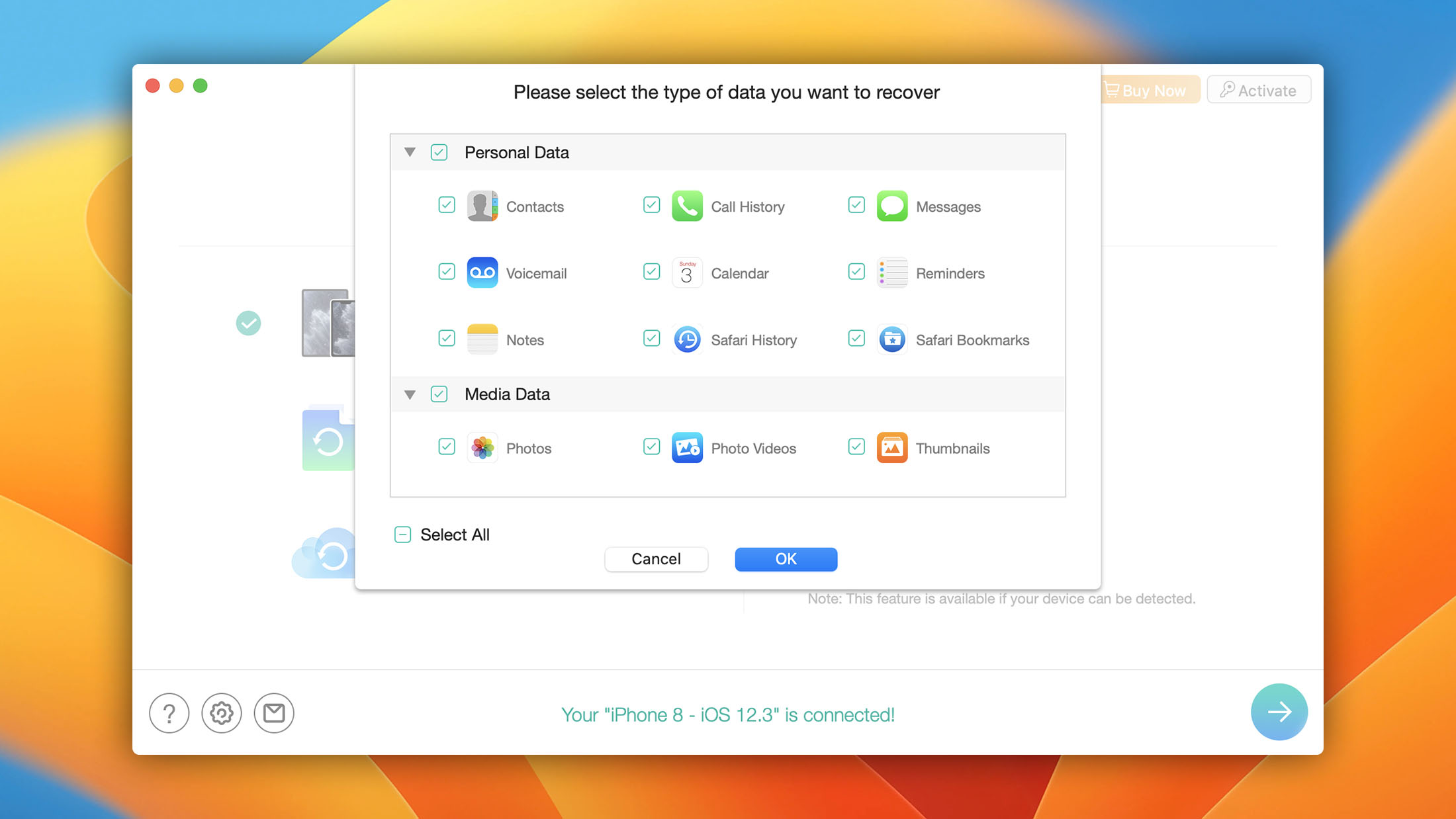
- Features an easy-to-follow step-by-step wizard.
- No technical knowledge required.
- Supports iOS 5 through iOS 26 and iPhones through the 17 series.
- Includes iOS system repair tools.
- Packed with proprietary technologies.
The developers of PhoneRescue are clearly committed to making this iOS data recovery software truly great. They've developed many proprietary technologies to make the restore process faster, more stable, and more likely to finish successfully.

5. Stellar Data Recovery for iPhone
4.0 • Best for encrypted backup recovery – Stellar excels at accessing data locked inside encrypted iTunes backup files and uses a Deep Scan feature that performs a comprehensive search to recover every bit of lost data.
WindowsmacOS
Freemium Some features are provided free of charge, but money is required to unlock the rest.
Free preview
$39.99...$49.99
Stellar has been a major player in the data recovery industry since 1993. Stellar Data Recovery for iPhone supports all iPhone models from iPhone 4 through iPhone 17, all iPad models, and iOS versions from 6.0 through iOS 26. The latest Mac release (v8.0.0.1) added iOS 26 support, and the tool also supports macOS Tahoe (26), Sequoia, Sonoma, Ventura, Monterey, and older versions. On Windows, it works with Windows 11, 10, 8.1, 8, and 7.
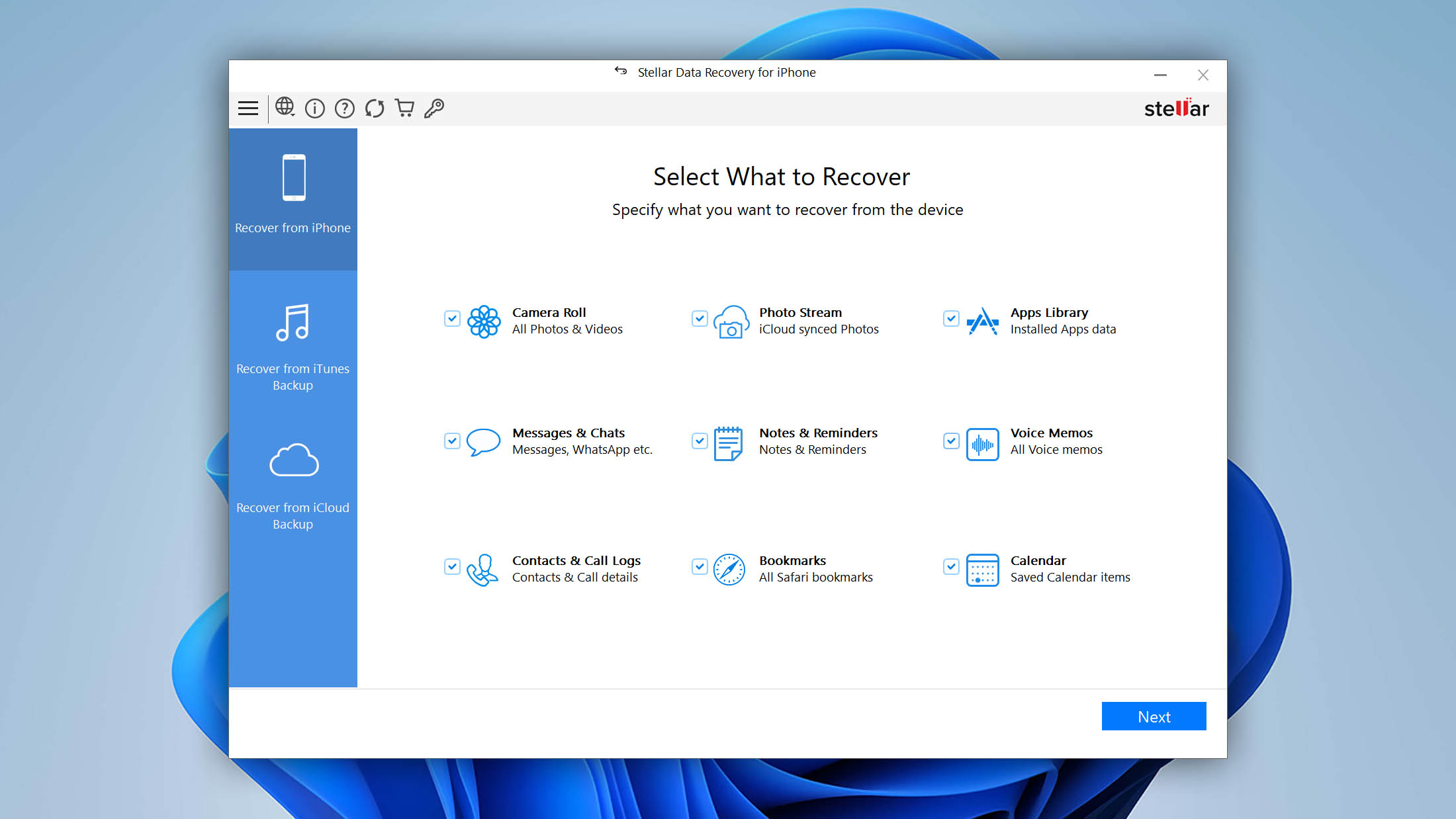
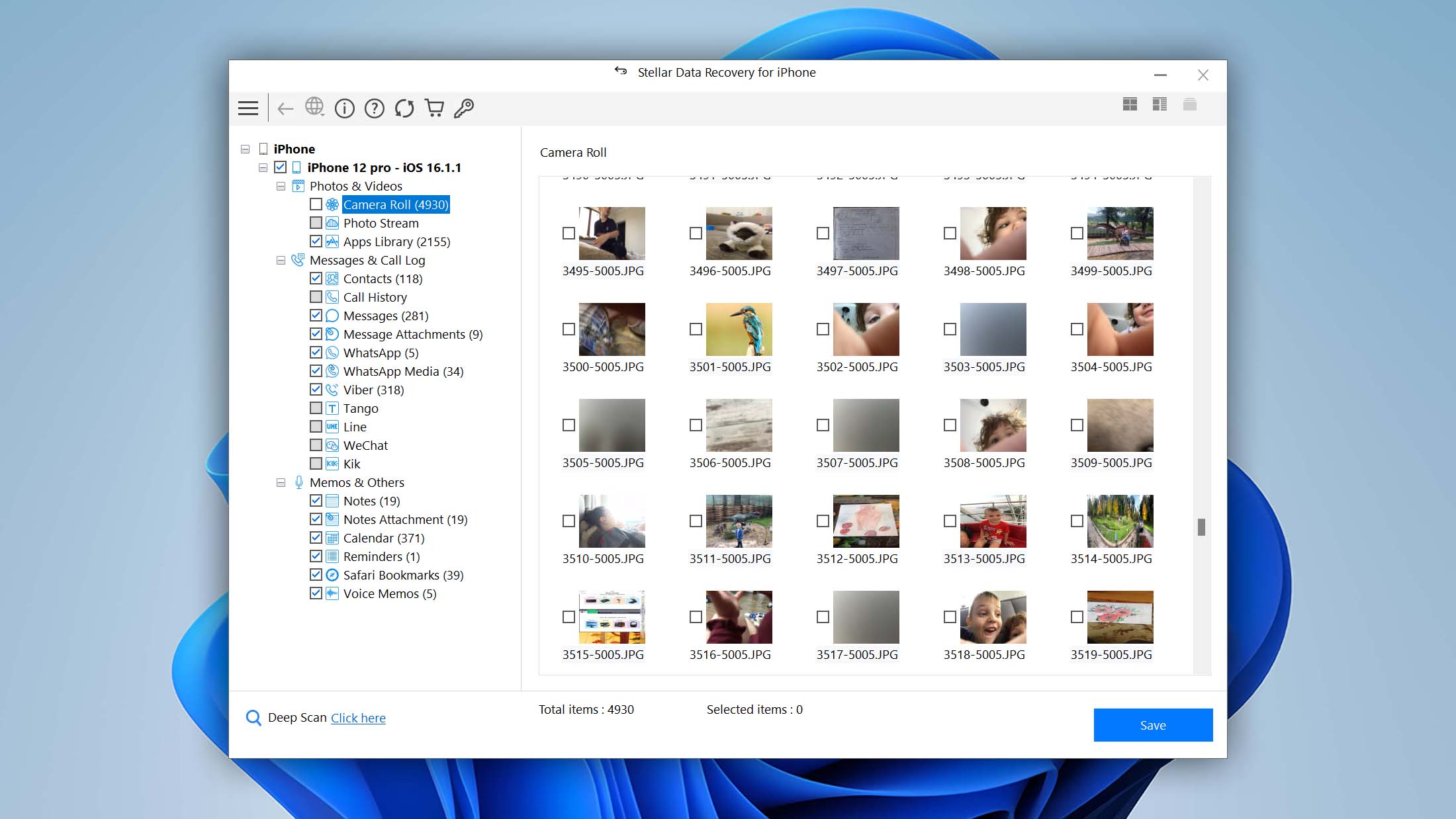
Recovery works through three modes: direct device scan, iTunes backup extraction (including encrypted backups), and iCloud backup recovery. Supported data types include photos, Photo Streams, videos, voice memos, notes, calendars, Safari bookmarks, contacts, call history, messages and attachments, and social app conversations from WhatsApp, WeChat, Kik, Viber, and Tango.
Pricing currently comes in two main packages: Standard at $39.99/year (data recovery for up to 5 iPhones) and Toolkit at $49.99/year (adds data erasure, iOS system repair, and Apple ID removal). The free version lets you scan, preview, and recover up to 10 photos or videos (max 10 MB each). A 30-day money-back guarantee applies.
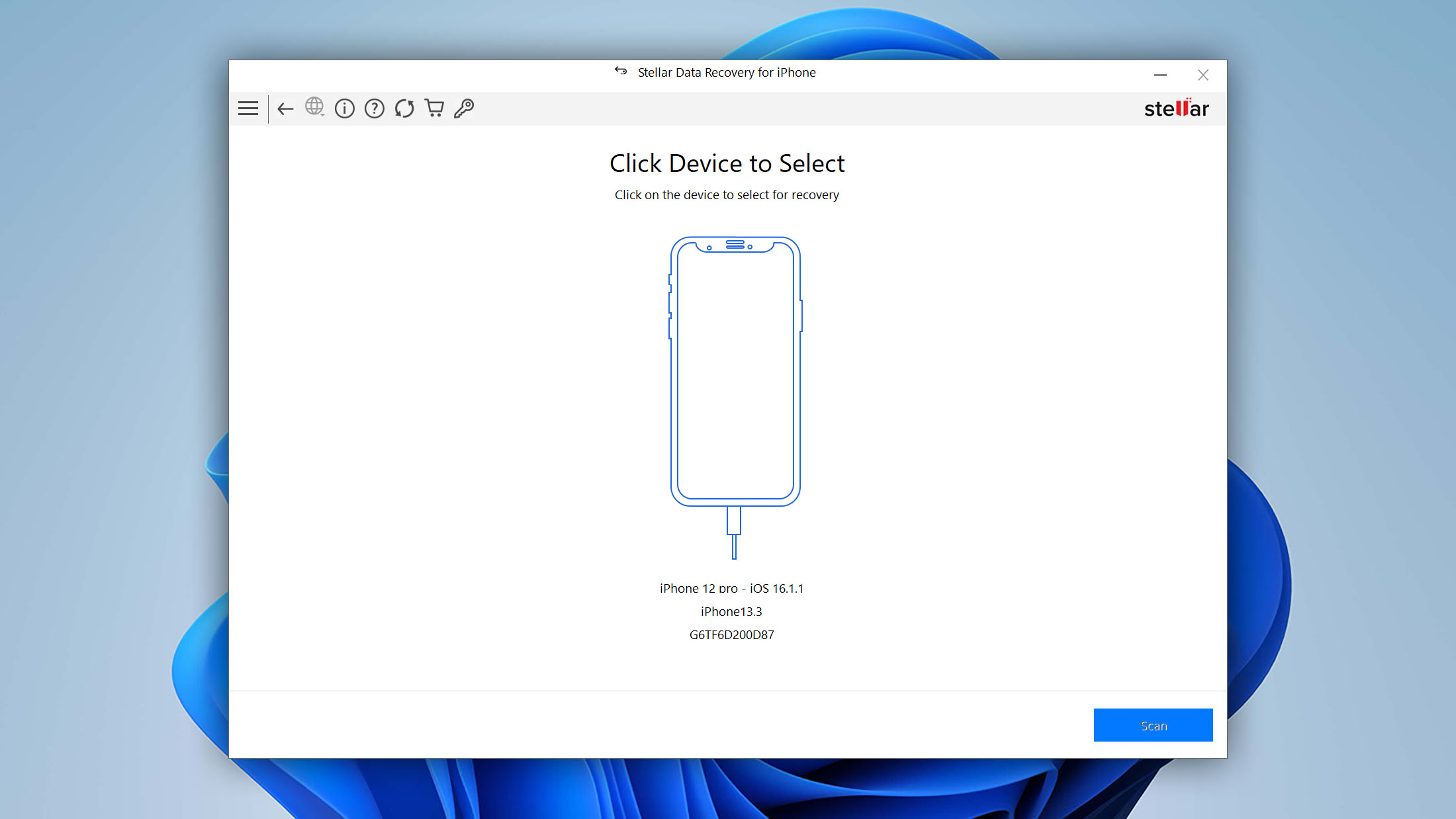
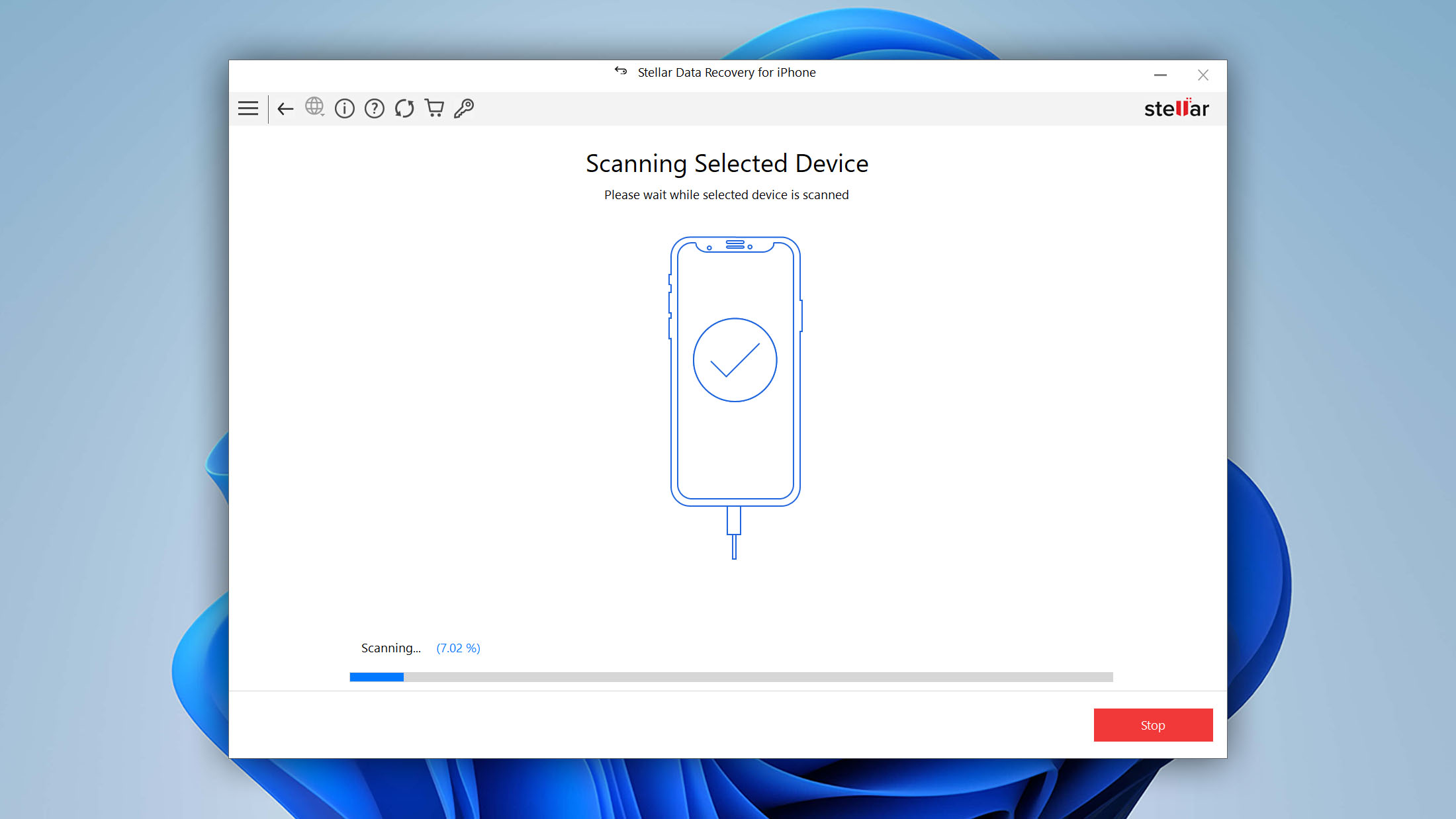
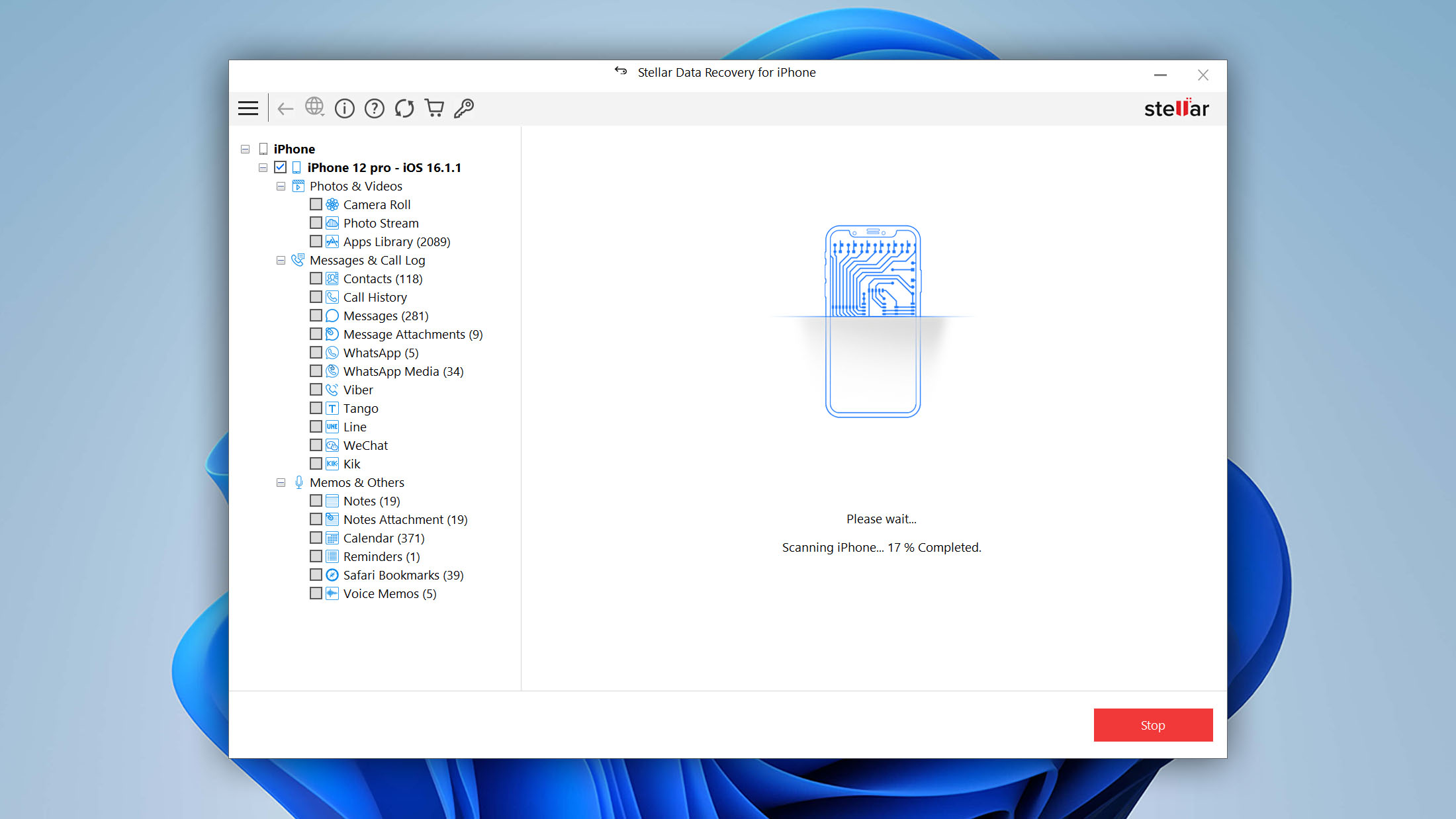
The data recovery process consists of three simple steps. First, you select what you want to recover. Then, you initialize the scanning process and wait for Stellar Data Recovery for iPhone to present you with the results. Finally, you preview the found data and save it to the desired location.
- Supports iOS 26 and iPhones through the 17 series.
- Developed by a reputable company with plenty of industry experience.
- Can access encrypted iTunes backup files.
- Three-step iPhone data recovery.
Stellar's pricing is competitive, and its device/OS coverage is among the broadest here. The interface feels dated compared to some competitors, but the tool is well-maintained and receives regular updates. If you want affordable, wide-ranging compatibility, Stellar is worth considering.

6. EaseUS MobiSaver
3.87 • Best for budget-conscious users – EaseUS MobiSaver offers a one-time lifetime license with free upgrades and technical support included, making it one of the most affordable long-term options for iPhone data recovery.
WindowsmacOS
Freemium Some features are provided free of charge, but money is required to unlock the rest.
Selectively free recovery
$59.95...$99.95
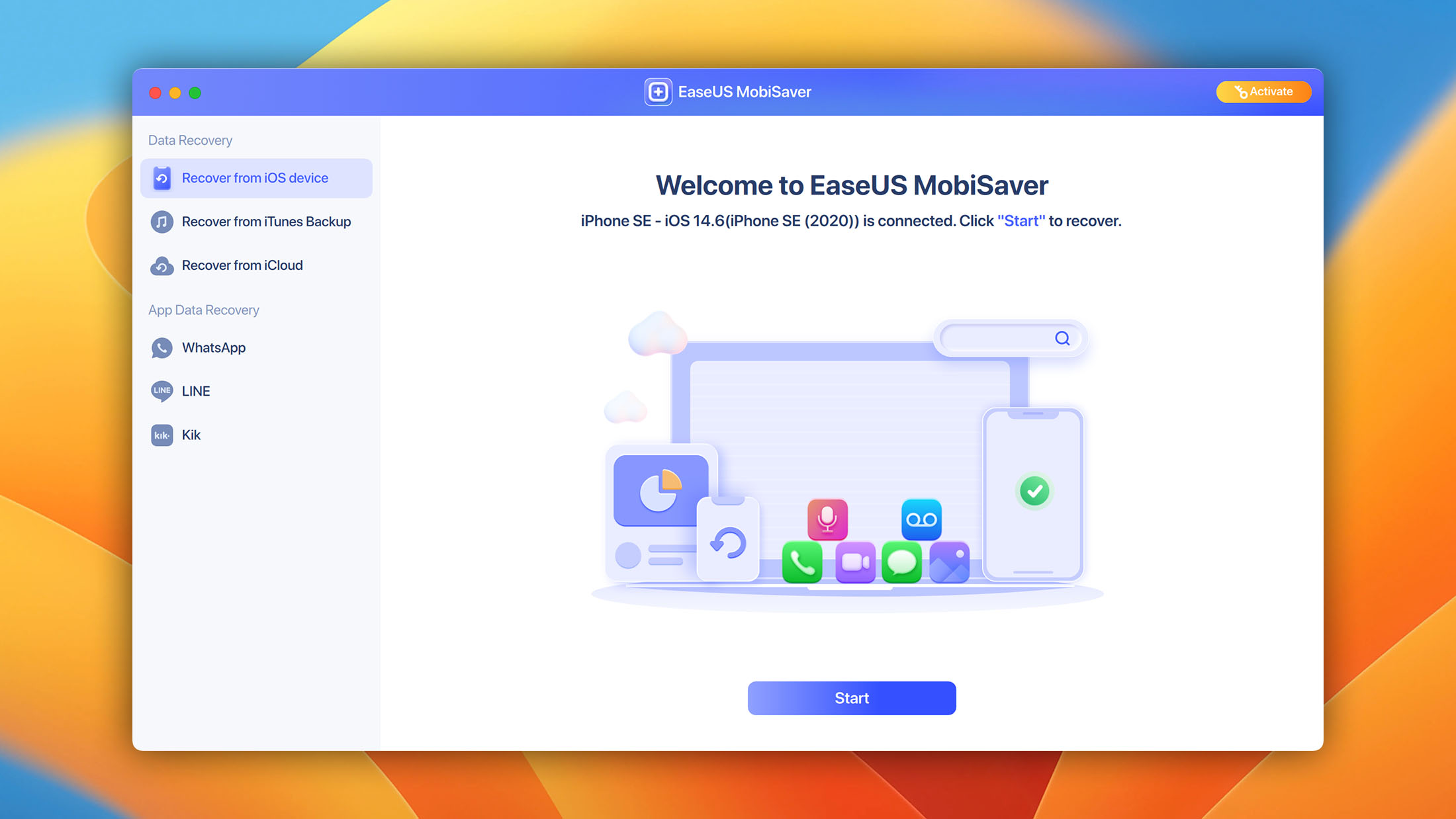
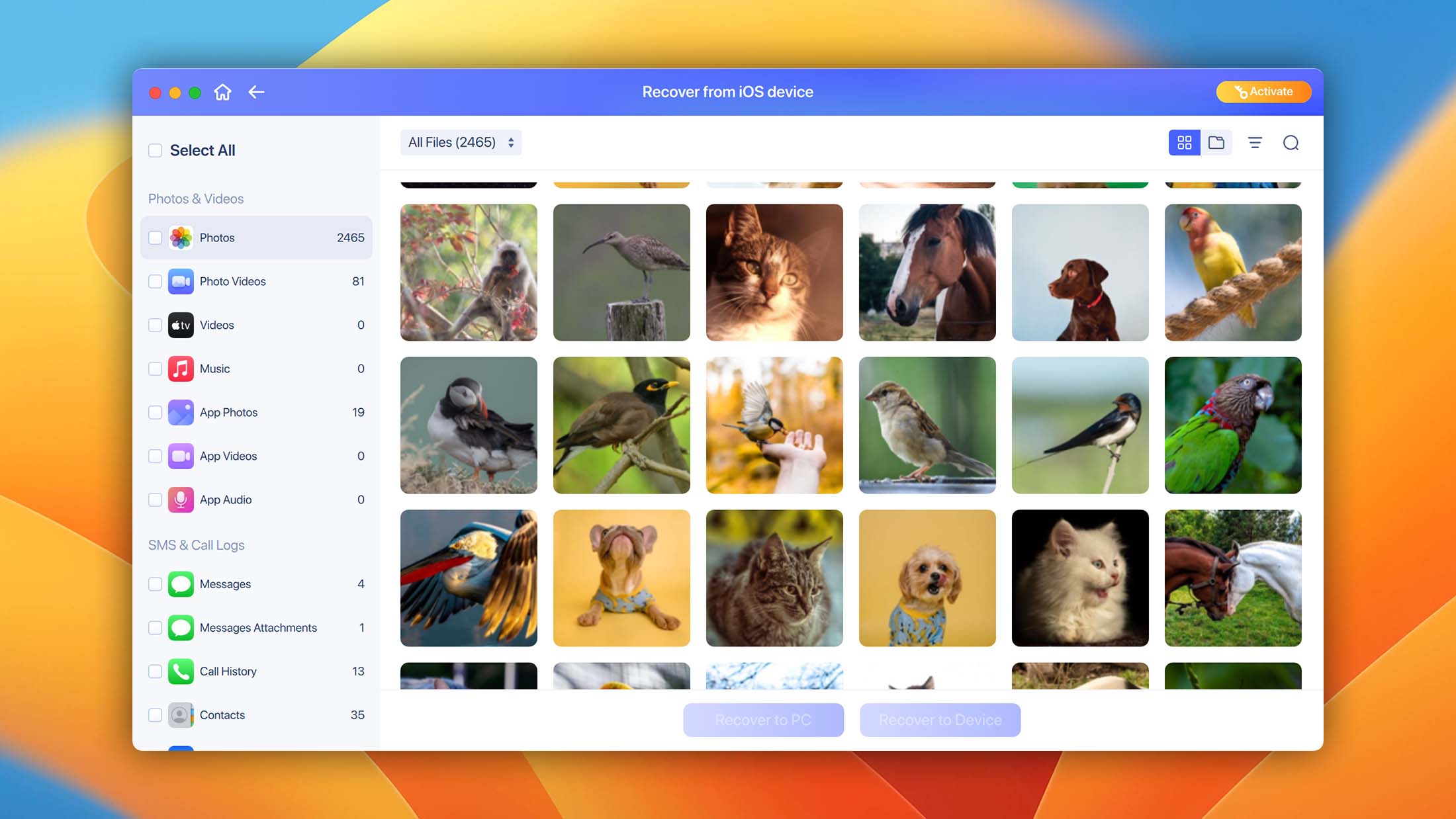
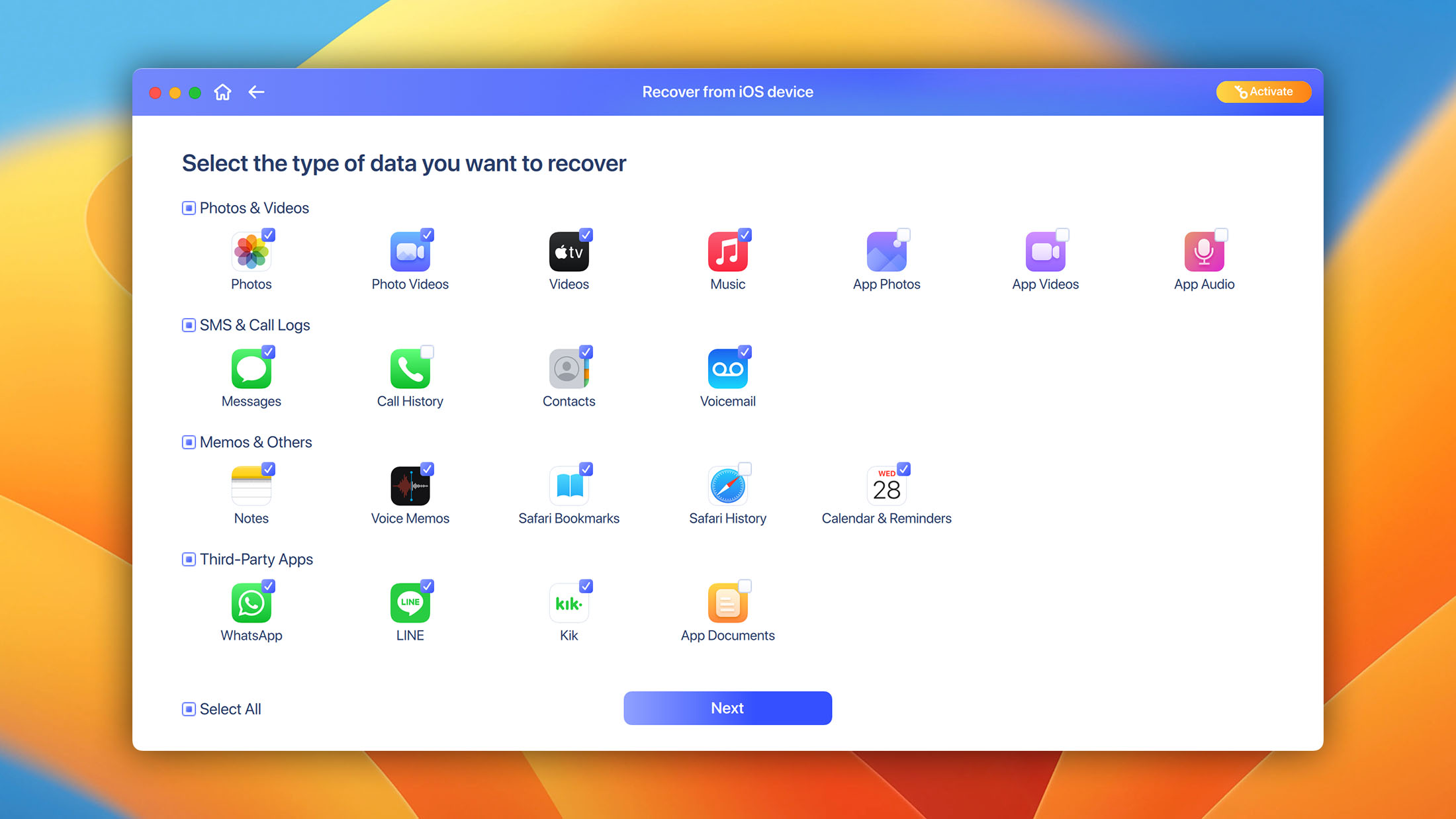
EaseUS MobiSaver runs on both Windows and macOS, despite the original version being Windows-only. The Windows version supports Windows 11, 10, 8.1, 8, 7, Vista, and XP. The Mac version requires Mac OS X 10.12 or higher. The free version can scan and preview all data types, but actual file export (recovery) is limited to contacts. Full recovery requires a Pro license at $59.95 for Windows or $79.95 for Mac.
The software offers three recovery modes: scan a connected iOS device directly, extract data from an iTunes backup, or recover from an iCloud backup. EaseUS lists iOS 26 compatibility across its mobile tool ecosystem, and recoverable data includes photos, videos, contacts, messages, call history, notes, calendars, reminders, Safari bookmarks, voice memos, and WhatsApp/LINE/Kik chat history.
When researching what others say about EaseUS MobiSaver online, we noticed some user reports that mention bundled software during installation and aggressive subscription renewal practices, which are worth being aware of before purchasing. The good news is that the company offers a 30-day money-back guarantee, so your money won’t be wasted should you decide that this iPhone recovery software isn’t the best option for you.
- EaseUS has been in business since 2004.
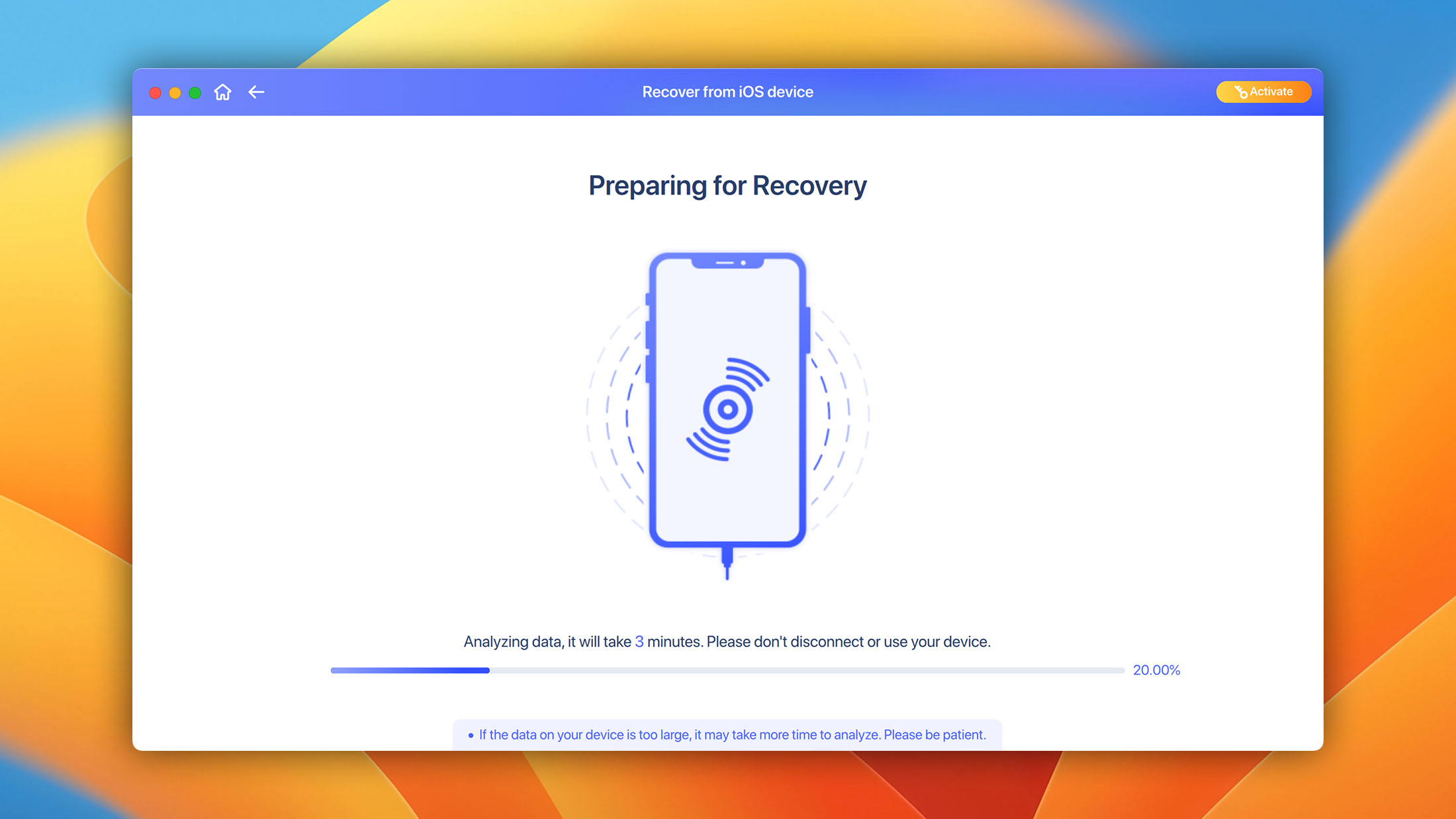
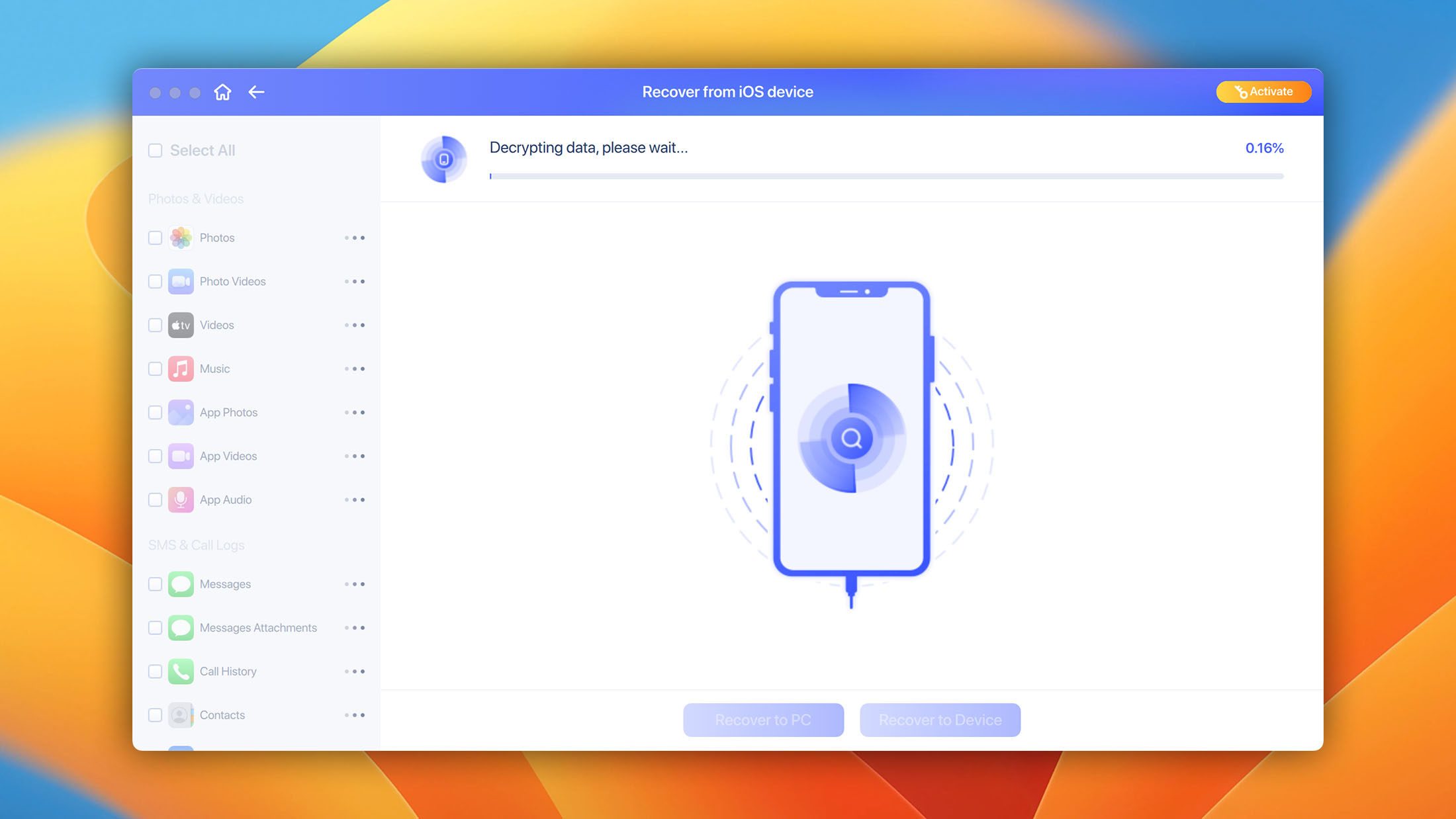
- Three-step iPhone recovery process.
- Available on both Windows and macOS with broad OS support.
- 30-day money-back guarantee.
- Free upgrades are included in the price.
EaseUS MobiSaver is a no-frills free iPhone recovery application developed by a trustworthy company that's been in business since 2004. Because its developers believe in its ability to solve all common and not-so-common data loss scenarios, they offer a 30-day money-back guarantee on every purchase.
7. FoneLab iPhone Data Recovery
3.75 • Best for bundle value – FoneLab can be purchased as part of Aiseesoft's comprehensive mobile bundle, which pairs iPhone data recovery with iOS system repair, data backup and restore, WhatsApp transfer, and more.
WindowsmacOS
Freemium Some features are provided free of charge, but money is required to unlock the rest.
Free preview
$26.9...$63.96
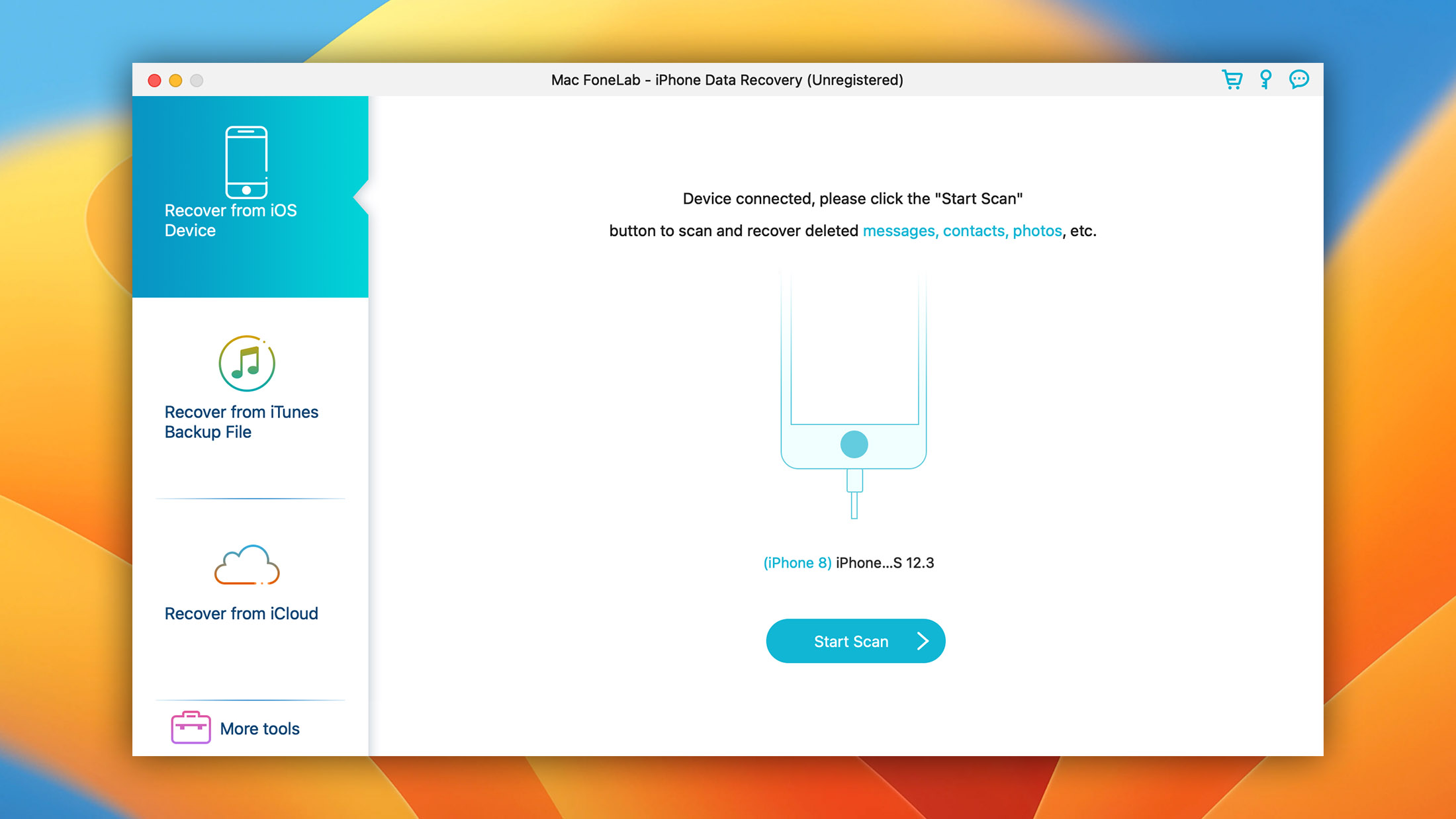
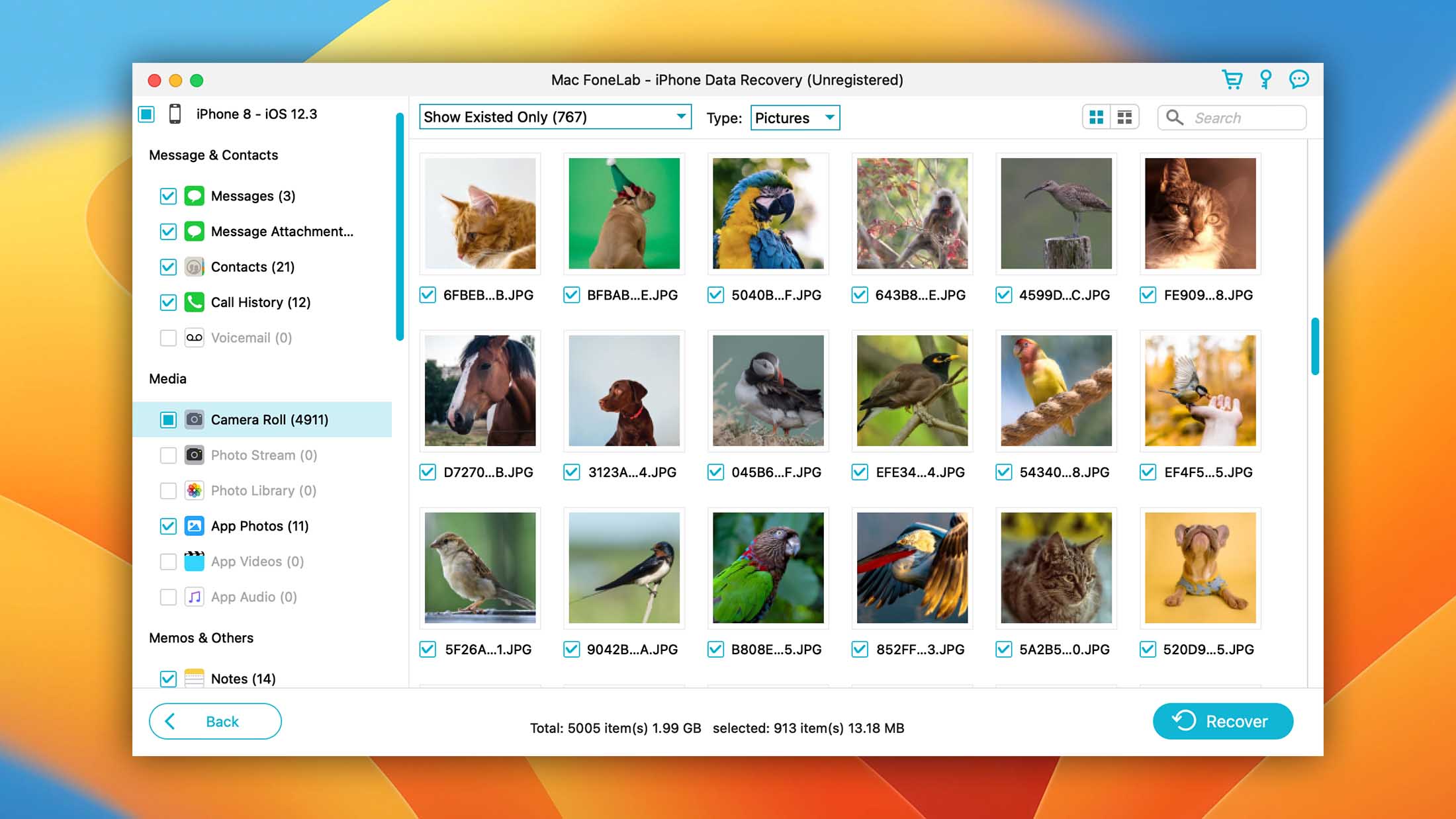
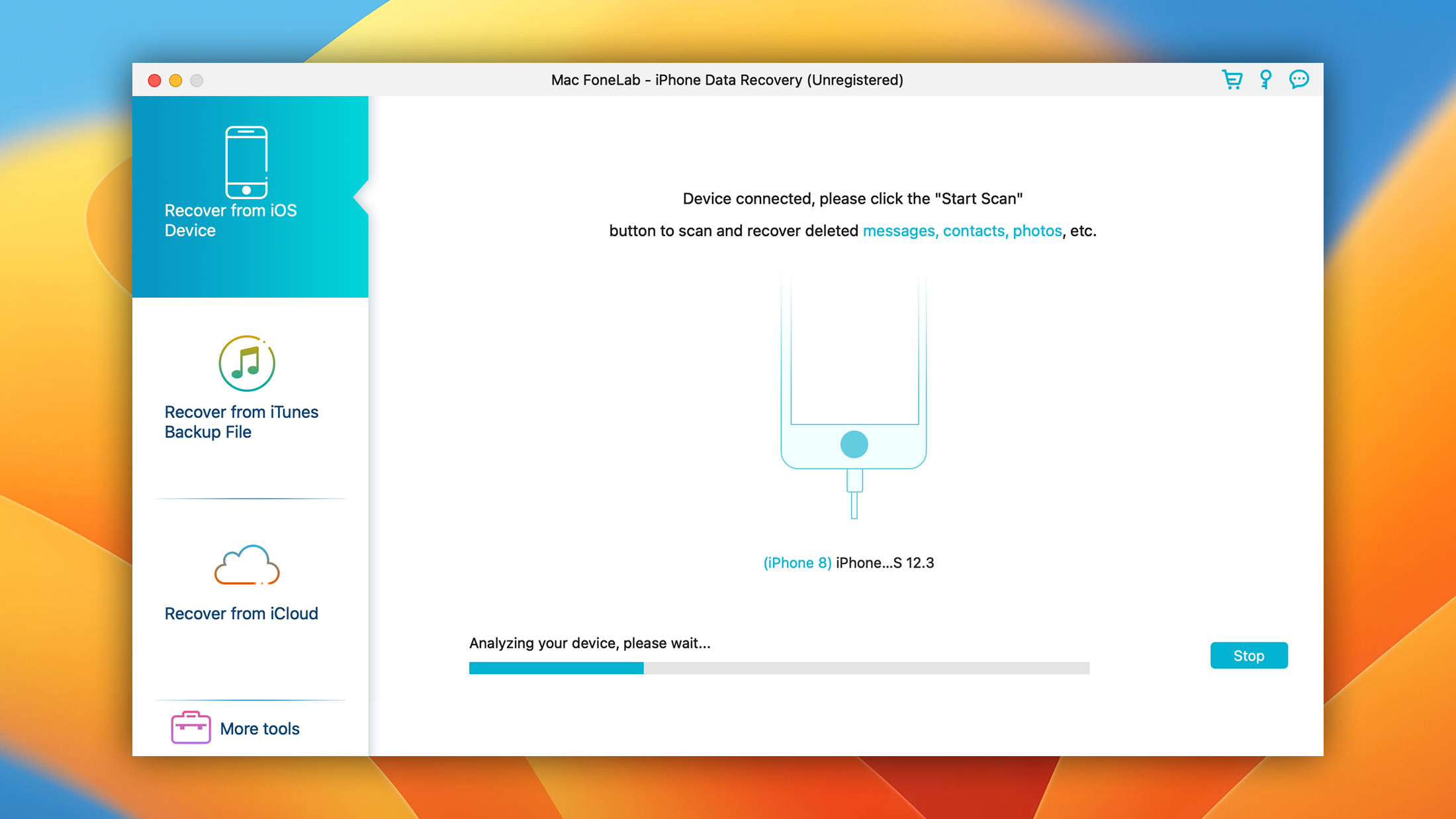
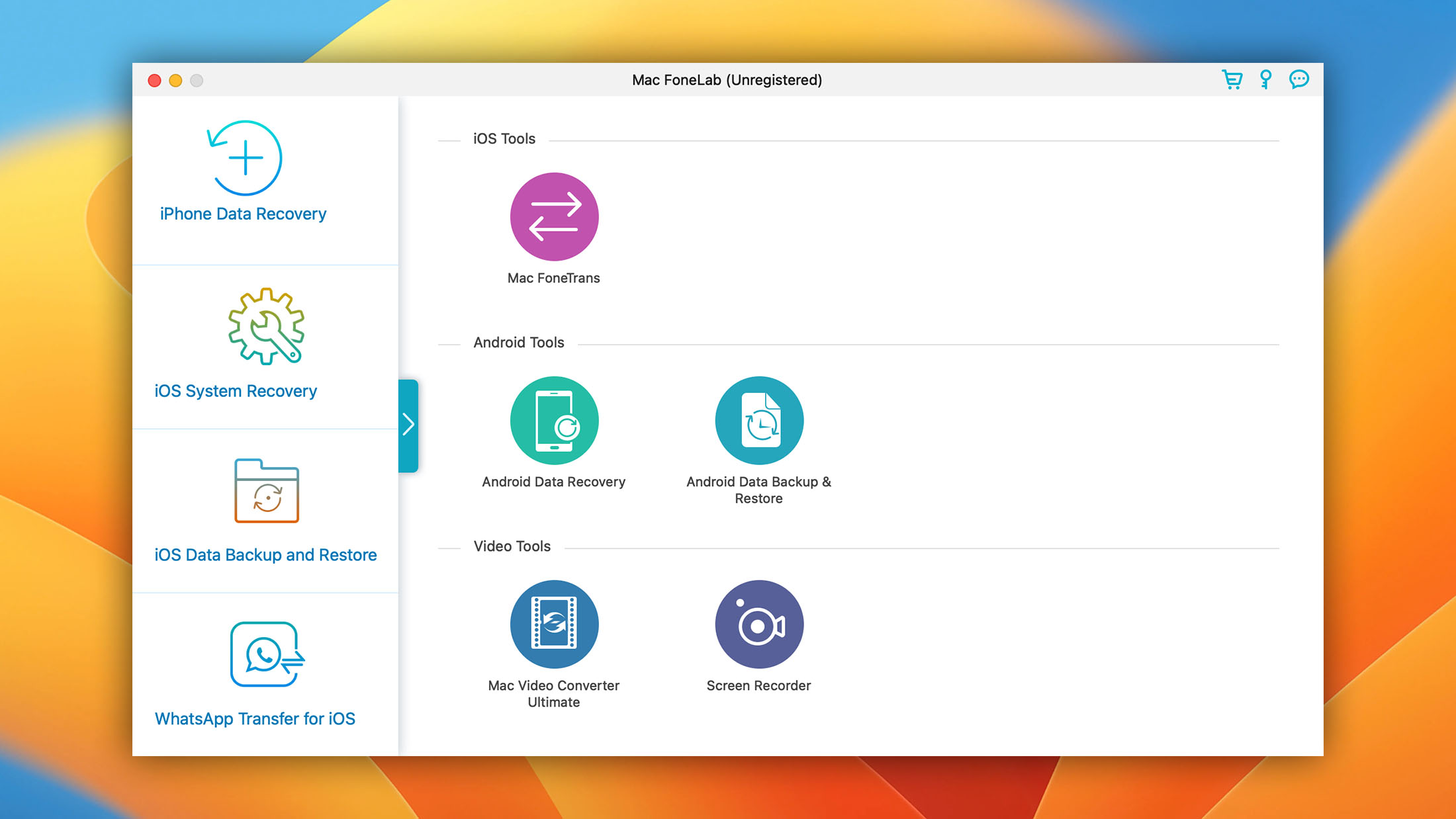
FoneLab by Aiseesoft can do direct device scanning, iTunes backup extraction (including encrypted backups), and iCloud backup recovery. The tool supports iOS/iPadOS 26 and earlier, with device coverage spanning from the iPhone 4 through the iPhone 17 Pro Max. It runs on Windows 11/10/8.1/8/7 and macOS.
Aiseesoft claims recovery of over 35 file types, including photos, videos, SMS, contacts, notes, call history, voicemail, voice memos, calendars, reminders, Safari bookmarks, Safari history, WhatsApp conversations and attachments, and app-level photos, videos, audio, and documents.
Pricing starts at $26.90 for a monthly license (discounted from $53.80) or $63.96 for a lifetime license covering 6 devices on 1 PC. Aiseesoft offers a 30-day money-back guarantee, and the free version scans and previews data but requires a license for actual recovery. Keep in mind that the purchase page includes a pre-selected FoneTrans subscription trial at $31.20/month that auto-renews if not cancelled. It’s an opt-out bundle, disclosed on the page but easy to overlook.
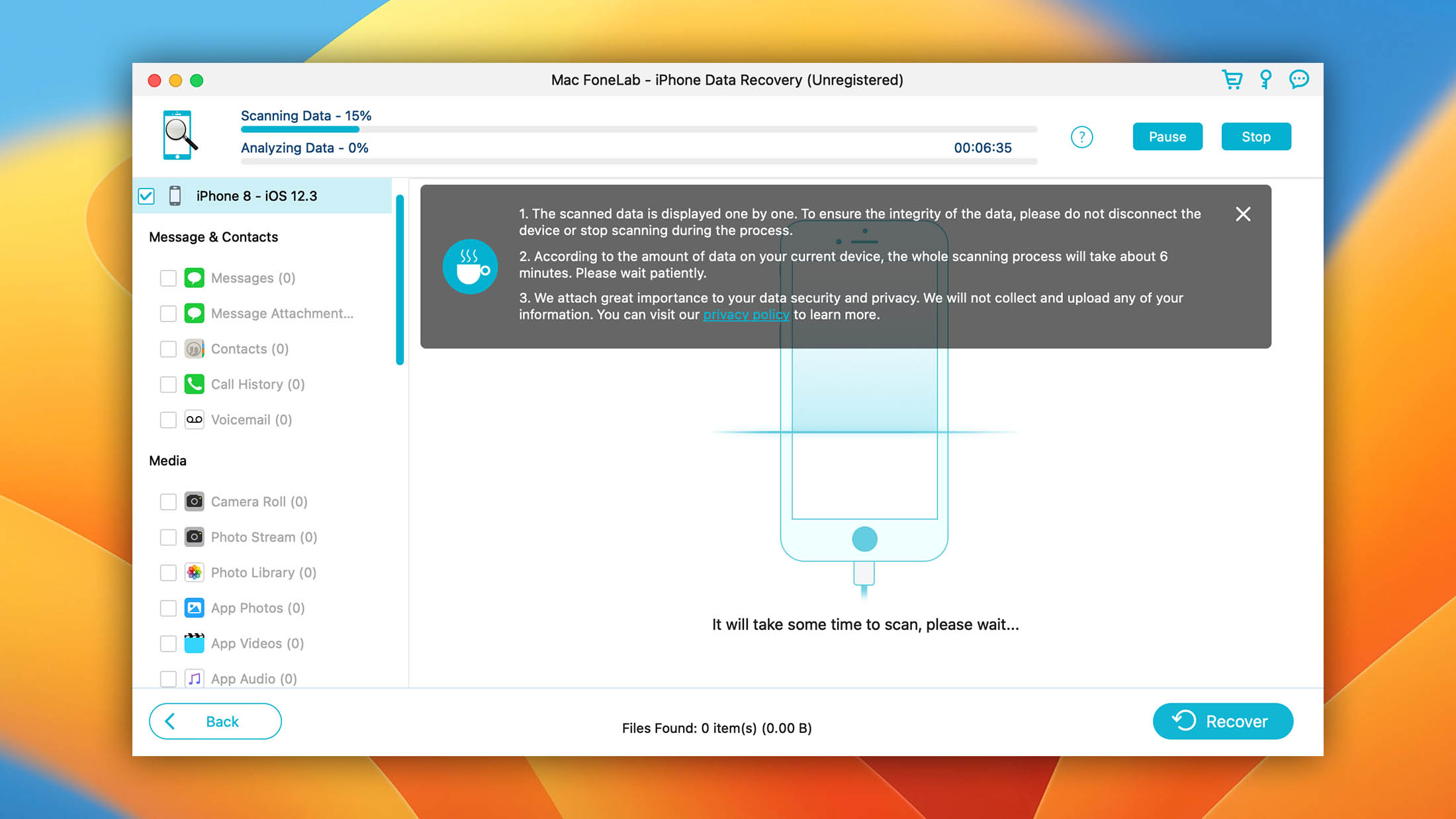
- Lets you easily recover lost data from iPhone, iTunes, and iCloud.
- Over 35 recoverable file types including social app data.
- Competitive lifetime pricing at $63.96.
- Available in a discounted bundle with two other Aiseesoft Fonelab software applications.
FoneLab has strong device coverage and wide format support. The pricing is competitive, especially the monthly option for one-time recovery needs. Just watch for the bundled subscription trial during checkout.

8. Syncios iOS Data Recovery
3.1 • Best for organized data browsing – Syncios automatically sorts recovered files into clear categories covering 16 data types, including WhatsApp, Viber, and Kik messages.
WindowsmacOS
Freemium Some features are provided free of charge, but money is required to unlock the rest.
Selectively free recovery
Dolor Set Amet
Syncios iOS Data Recovery is one of those tools that doesn’t generate much buzz but has stayed quietly current. It supports iOS 9 through iOS 26 and covers devices from the iPhone 4S onward, including recent models. OS compatibility is broad, and it includes Windows 11/10/8.1/8/7 and Mac OS X 10.9 through macOS 26 (Tahoe).
The tool can scan a connected iOS device, extract from an iTunes backup, or recover from iCloud (the free version scans and previews recoverable data but does not export it). It supports 17 data types, including contacts, messages, photos, videos, call history, notes, calendars, bookmarks, reminders, voice memos, voicemail, and data from WhatsApp, Viber, and Kik. iTunes needs to be installed on your PC for device scanning, though it doesn’t need to be running during the process.
What’s notable about Syncios is that its price has stayed at $39.95 for years, which makes it one of the most affordable options in this category. A lifetime license is $49.95, and business licenses for unlimited devices are also available. The money-back guarantee varies by plan (5 days for annual subscriptions, 30 days for lifetime licenses only).
- Supports iOS 9 through iOS 26 and iPhones from 4S onward.
- $39.95 annual price is among the lowest in this category.
- Automatically organizes recoverable data into categories.
- Has a built-in preview feature.
Syncios is an up-to-date, reasonably priced iOS recovery tool with solid device coverage through iOS 26. Its price stability and straightforward licensing make it easy to budget for, and the macOS/Windows support is current.
9. Leawo iOS Data Recovery
2.9 • Best for simple backup-based recovery – Leawo keeps iPhone data recovery uncomplicated with a clean three-step workflow to recover data from iOS devices, iTunes backups, and iCloud, making it a practical choice.
WindowsmacOS
Freemium Some features are provided free of charge, but money is required to unlock the rest.
Free preview
$59.95...$69.95
Leawo iOS Data Recovery is a highly rated iPhone data recovery software available for Windows and macOS. Established in 2007, Leawo is a professional multimedia solution provider that mainly specializes in processing and broadcasting media over the internet. The company has also developed several data recovery solutions, including this one.
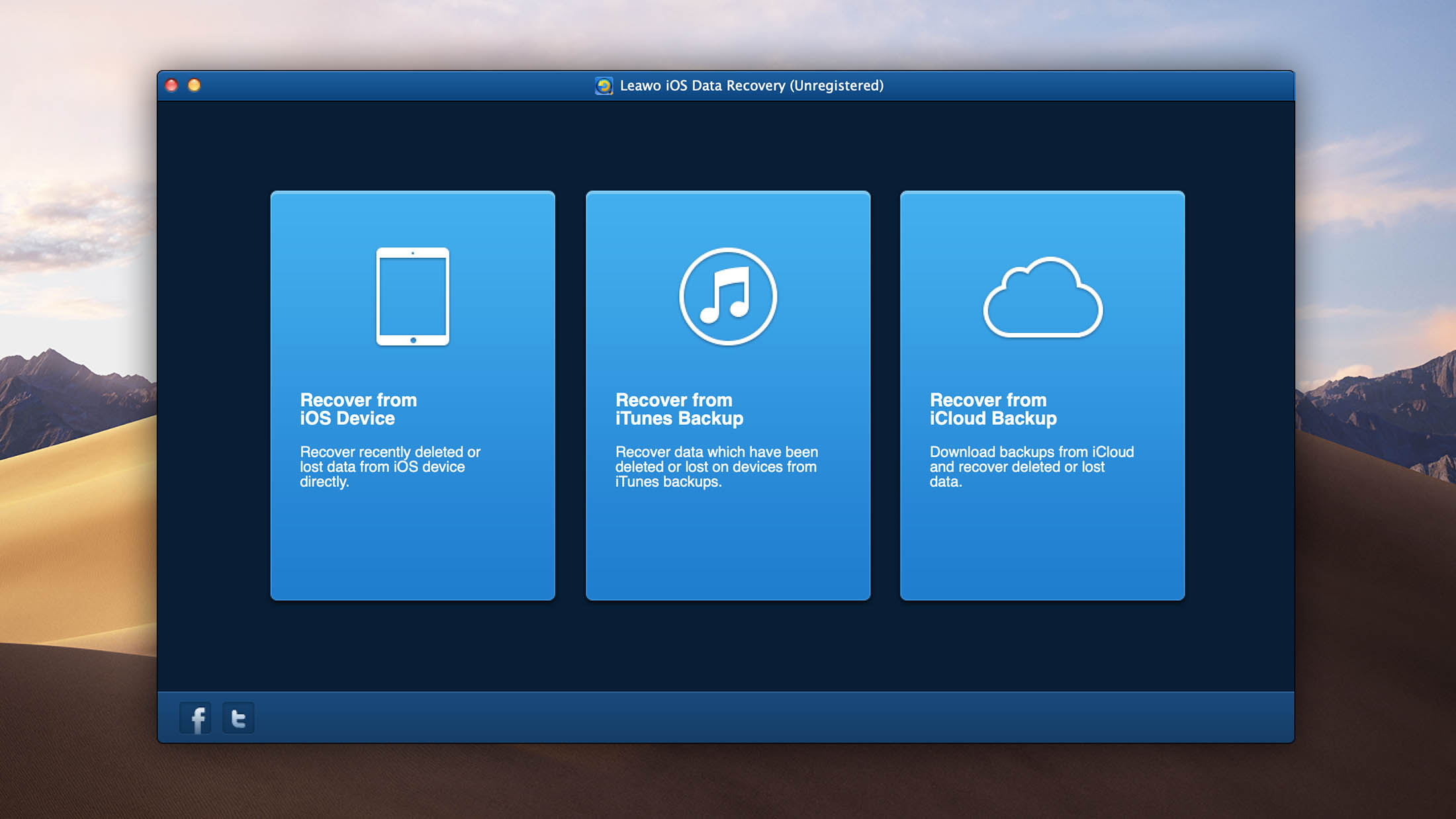
Leawo supports direct device scanning, iTunes backup extraction, and iCloud backup recovery. It can recover up to 14 data types, including photos, videos, contacts, messages, call history, notes, calendars, reminders, Safari bookmarks, voice memos, and WhatsApp data. The entire recovery process is split into three steps, which automatically follow one another.
Whenever Leawo iOS Data Recovery needs you to do something, it will provide step-by-step instructions right inside the main application window, coupled with clear illustrations. You can scan for free before purchasing the full version at $59.95.
Unfortunately, Leawo’s compatibility information is inconsistent. The marketing page references iPhone 16 series and “the latest iOS,” but the detailed tech specs page hasn’t been updated past iOS 10 and iPhone 7. macOS support on the specs page stops at Mavericks (10.9). There is no mention of iOS 26, iPhone 17, or macOS Tahoe anywhere on the site. If you’re using a recent iPhone, verify compatibility before purchasing.
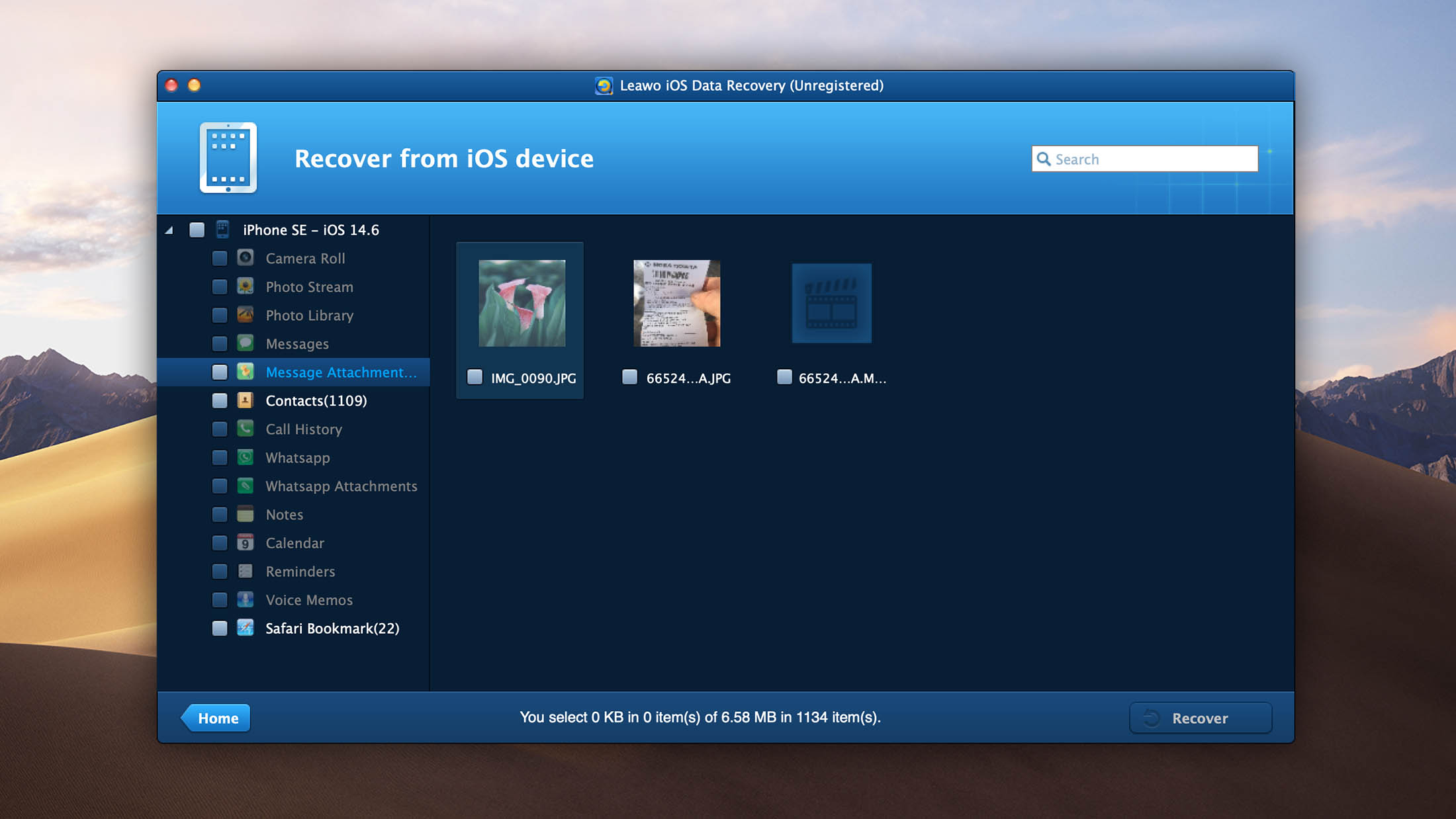
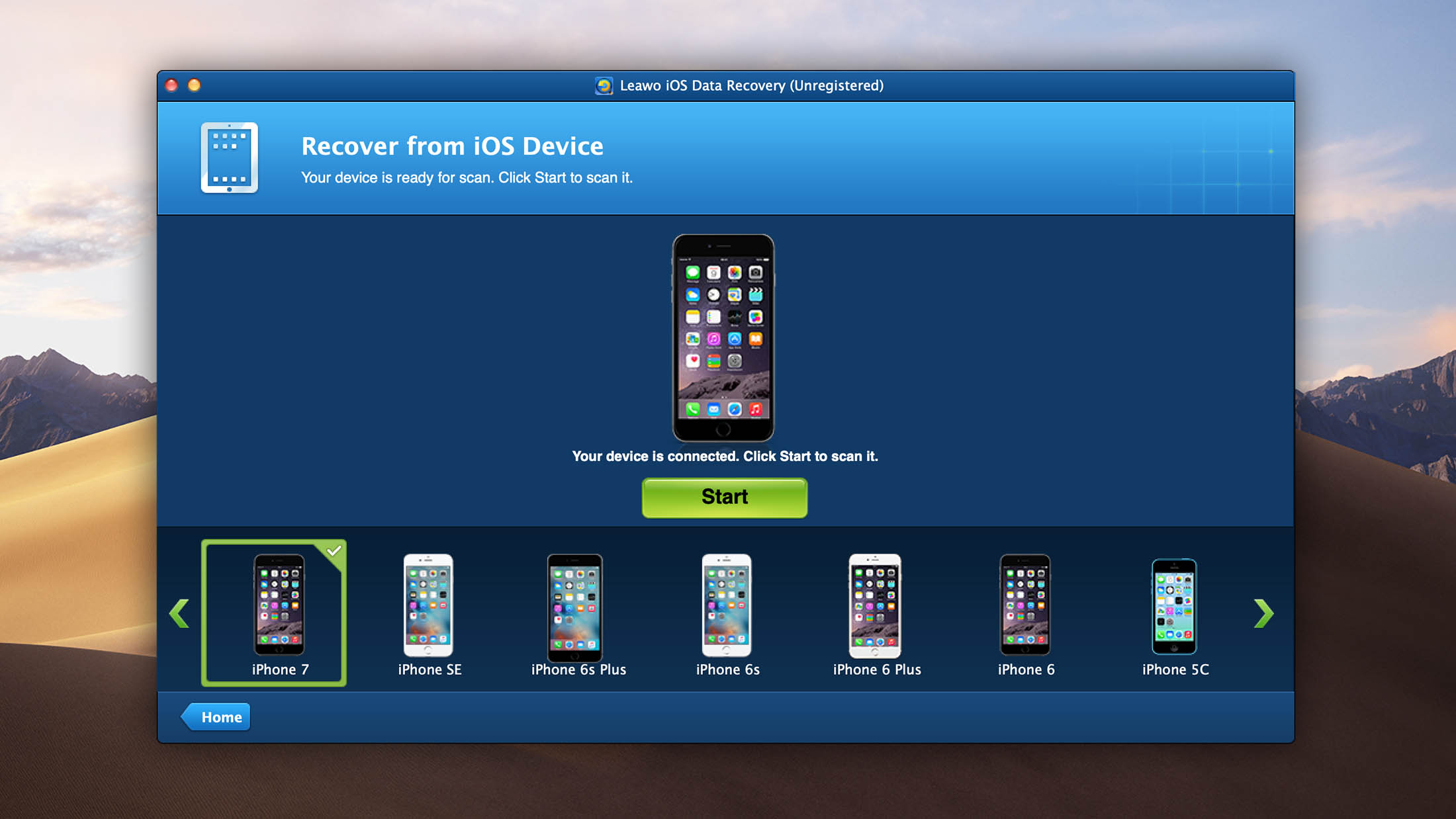
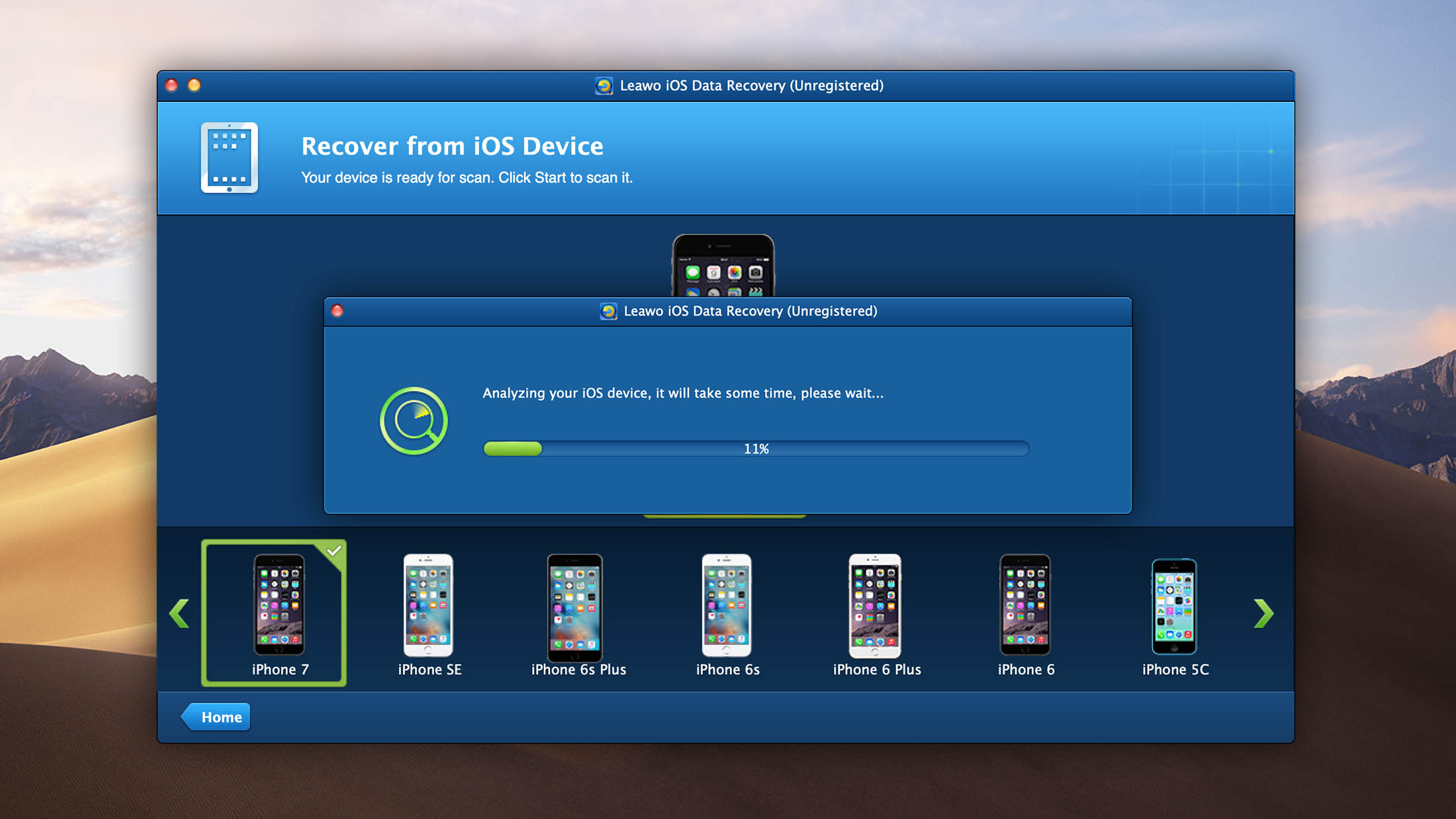
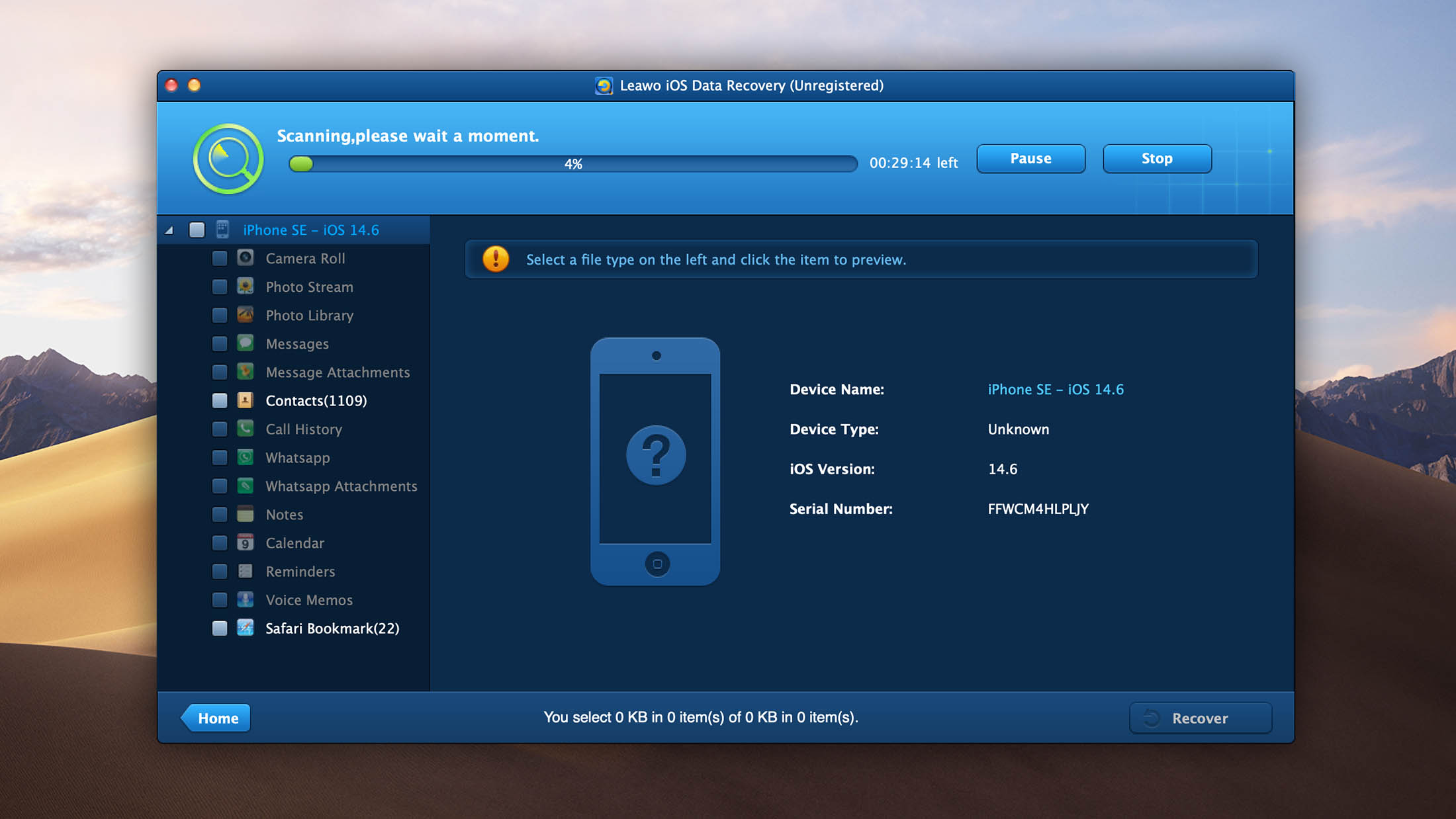
- User-friendly interface.
- Full support for all iPhone, iPad, iPod touch models.
- Versatile file preview.
Leawo iOS Data Recovery has a straightforward interface that makes the recovery process easy to follow. The problem is that its technical documentation hasn't kept pace with its marketing claims.

10. iBeesoft iPhone Data Recovery
2.6 • Best for affordable all-scenario coverage – iBeesoft handles various data loss scenarios supporting 30+ data types at one of the lowest price points in the category.
WindowsmacOS
Freemium Some features are provided free of charge, but money is required to unlock the rest.
Free preview
$39.95...$39.95
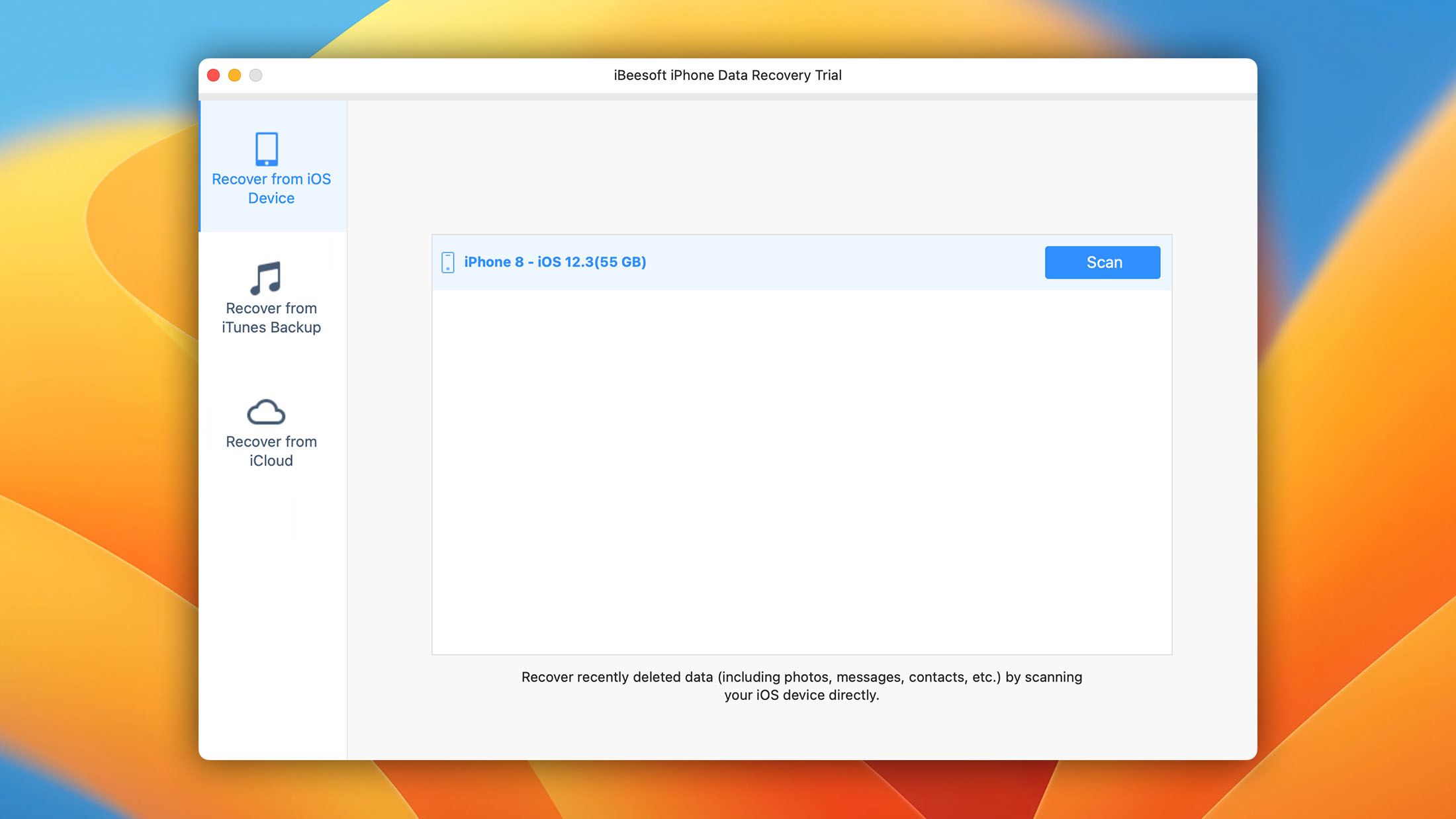
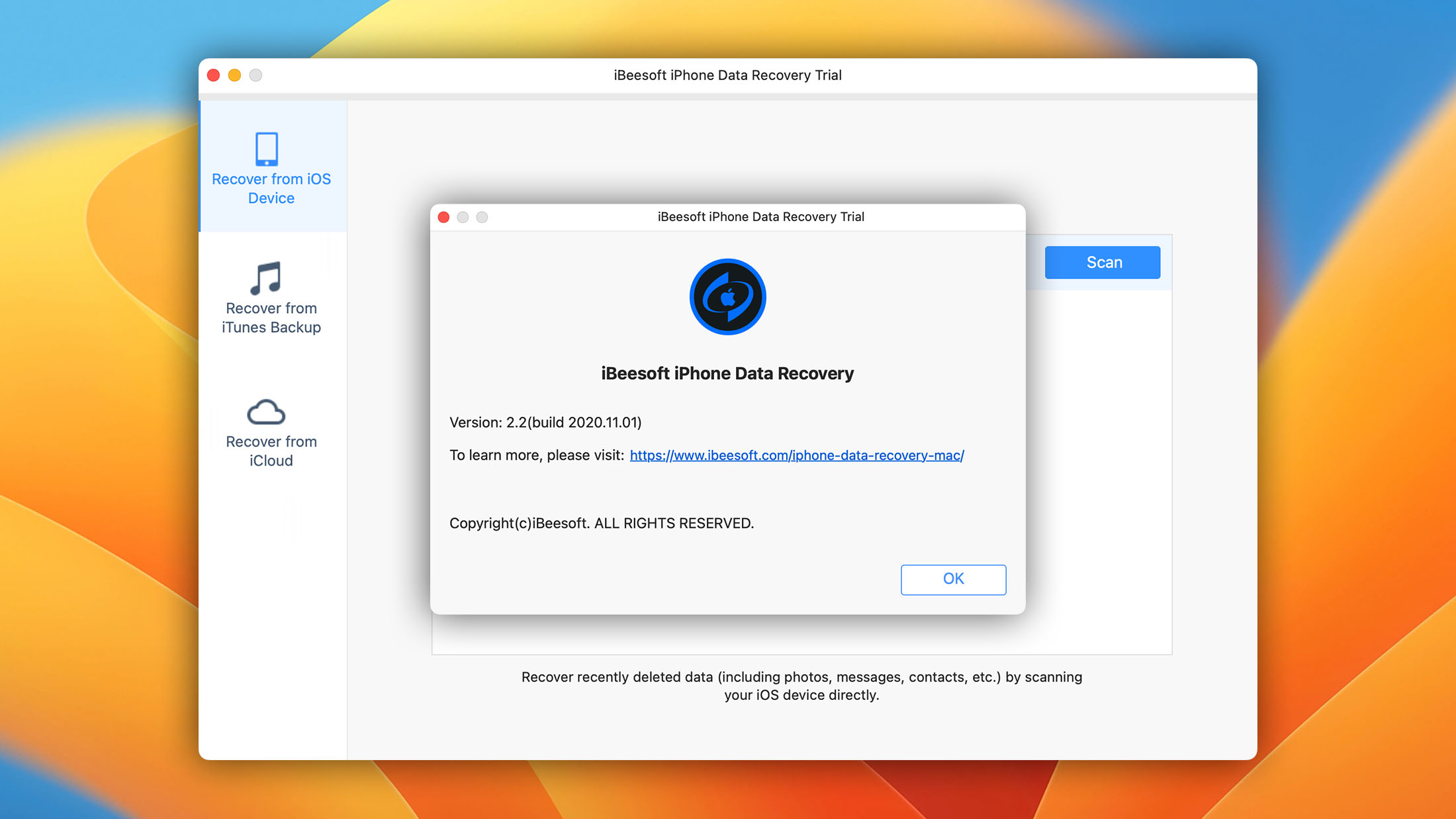
Since 2011, iBeesoft has been helping iPhone users restore deleted and lost files with its all-in-one iOS data recovery software, called iBeesoft iPhone Data Recovery.
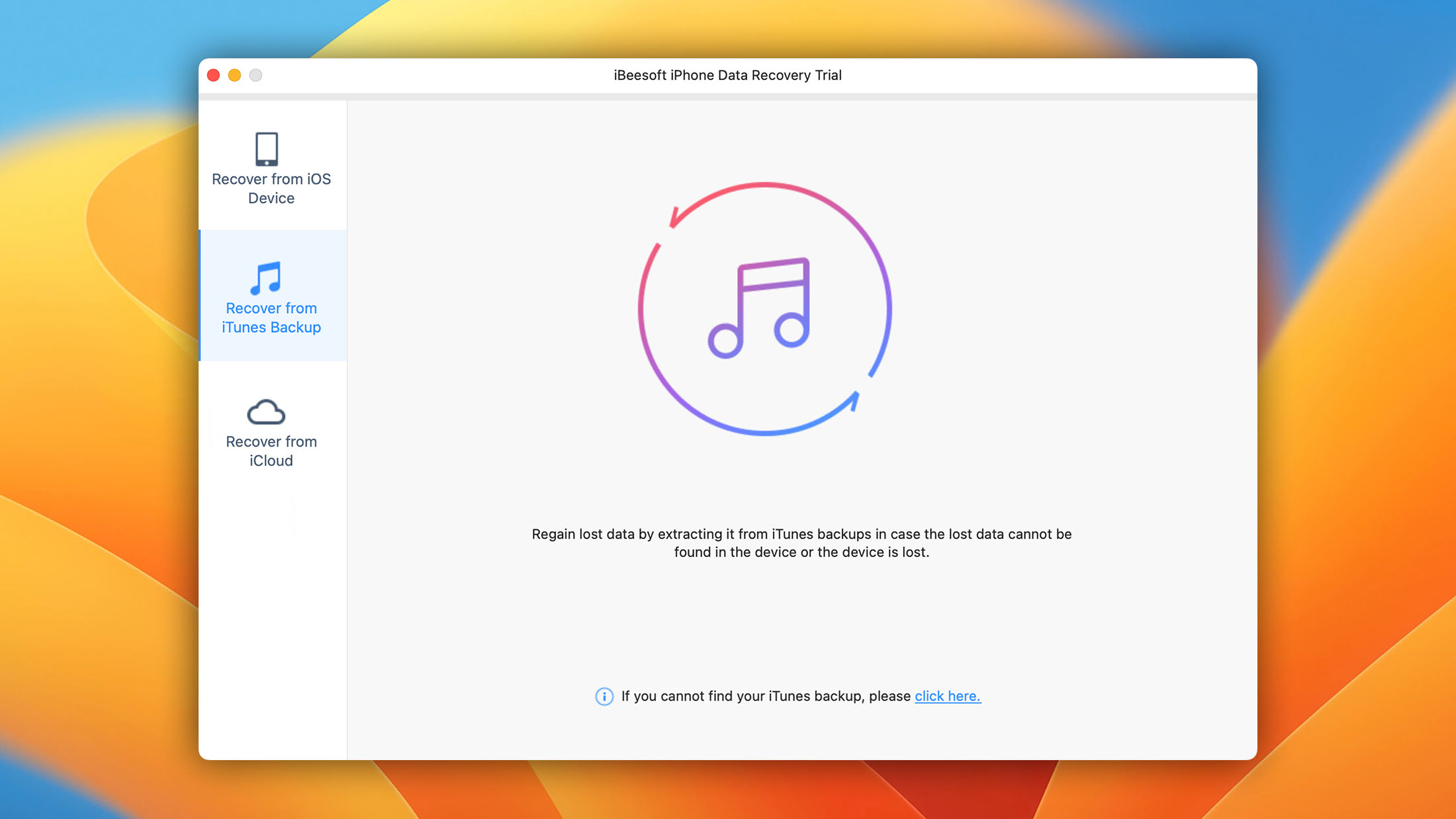
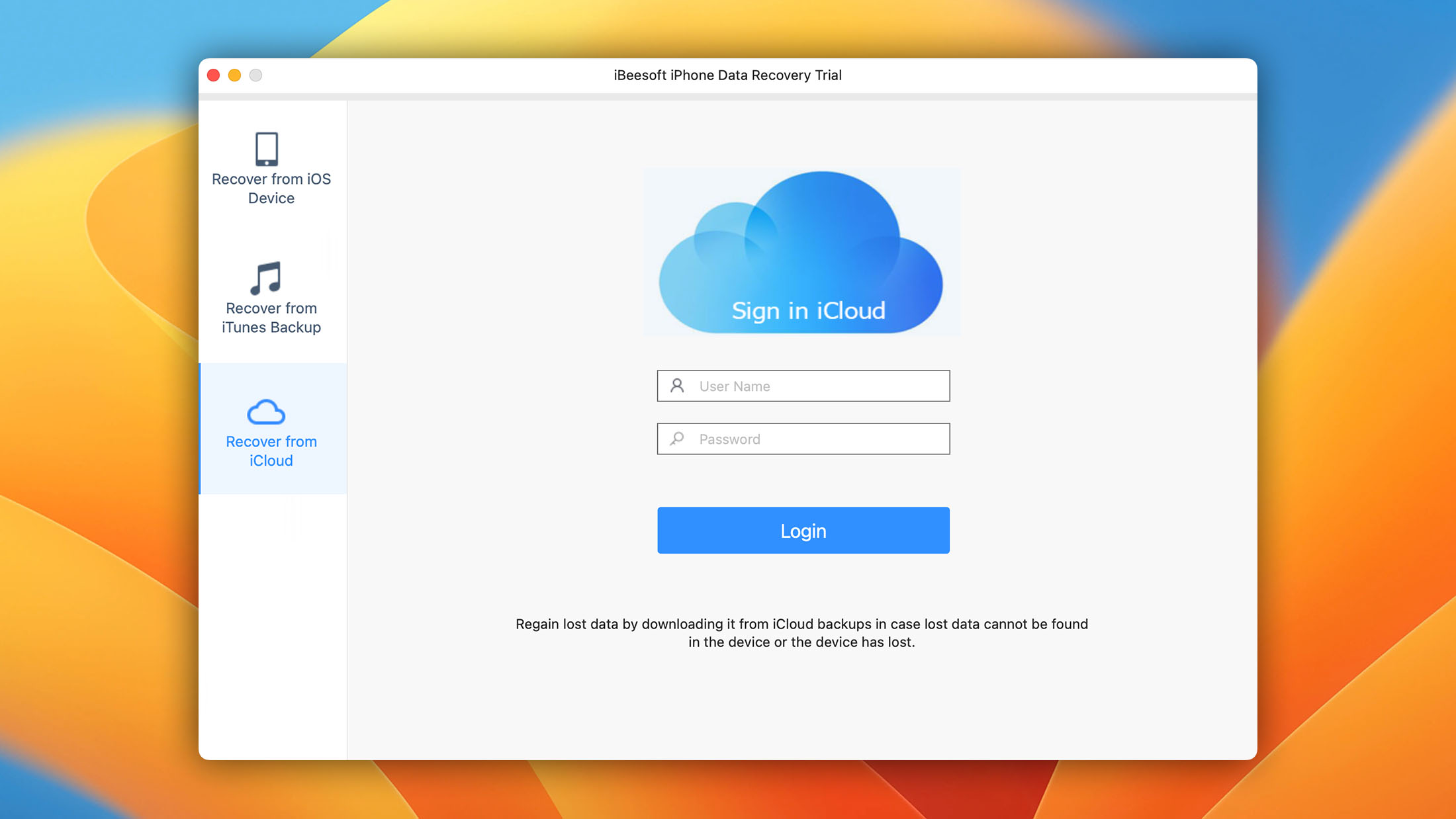
Available for Windows and Mac, this free-to-download application features multiple iOS recovery methods, which allow it to restore data lost after an accidental deletion, system crash, virus attack, reset to factory settings, theft, physical damage, faulty iOS update, jailbreak, or failed synchronization.
However, iBeesoft’s device support appears outdated. The official website lists iOS 16 as the latest supported version, with iPhone 14 as the newest supported model. It supports macOS 12.3 through 10.10. There is no mention of iOS 26, iPhone 15, iPhone 16, or iPhone 17, which suggests the tool has not been updated in some time. If you’re using a newer iPhone, you’ll want to verify compatibility before purchasing.
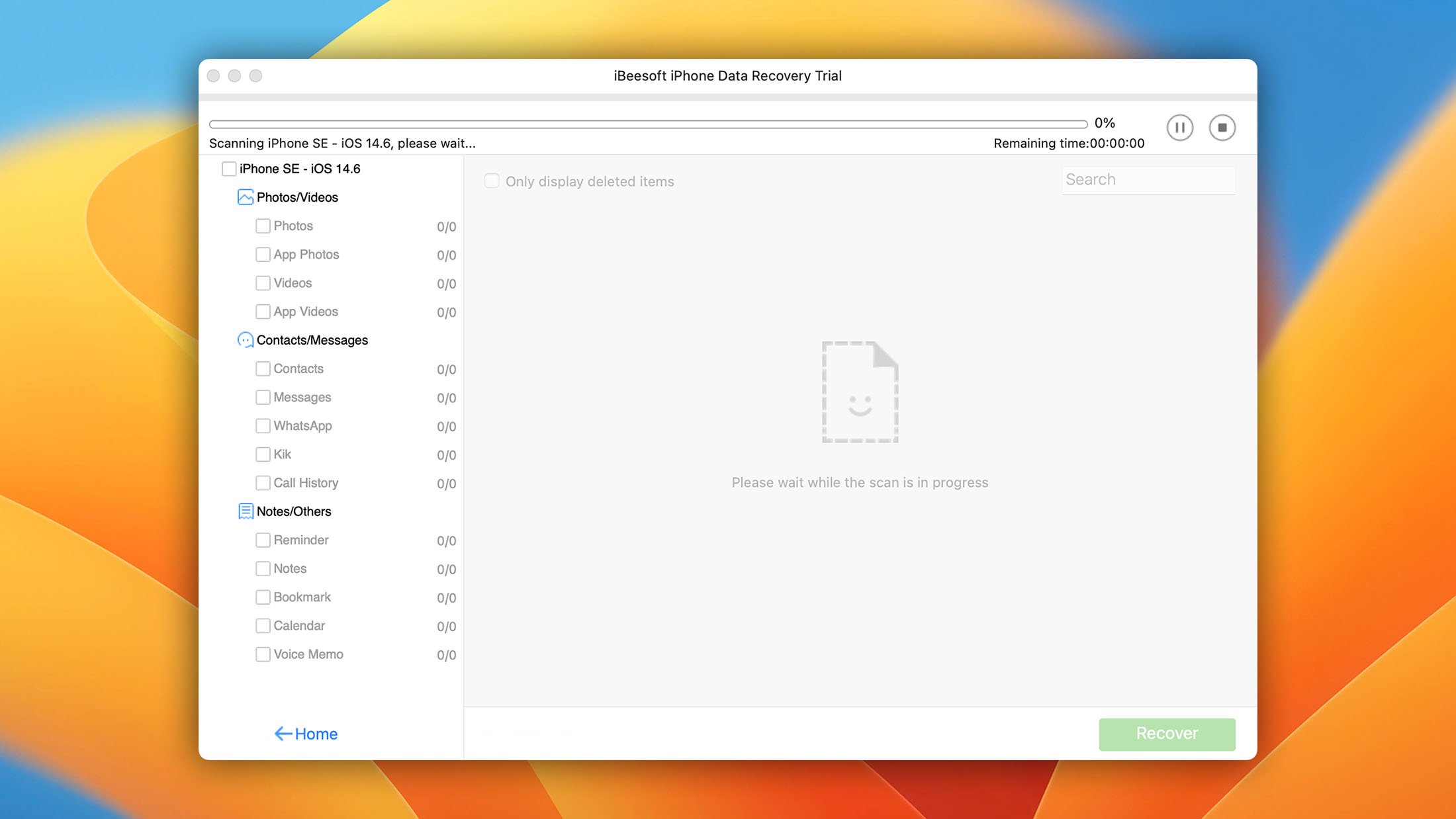
Supported data types include photos, videos, contacts, messages, WhatsApp conversations, call history, notes, and others.
- Offers multiple iOS recovery methods.
- Available in a discounted bundle.
- Available on both Windows and macOS
iBeesoft iPhone Data Recovery covers the basics, and its pricing is reasonable at $39.95. The main concern is that its device and OS support have not kept pace with Apple's release cycle. If you're running iOS 17 or later, or using an iPhone 15 or newer, this tool may not be the right fit.
Was the provided information useful? Your vote is important to use!








| Feature | Disk Drill | Wondershare Dr.Fone | Tenorshare UltData | iMobie PhoneRescue | Stellar Data Recovery for iPhone | EaseUS MobiSaver | FoneLab iPhone Data Recovery | Syncios iOS Data Recovery | Leawo iOS Data Recovery | iBeesoft iPhone Data Recovery |
|---|---|---|---|---|---|---|---|---|---|---|
| iCloud recovery | ❌ | ✅ | ✅ | ✅ | ✅ | ✅ | ✅ | ✅ | ✅ | ✅ |
| iTunes/Finder extraction | ✅ (incl. encrypted) | ✅ | ✅ | ✅ | ✅ | ✅ (incl. encrypted) | ✅ (incl. encrypted) | ✅ | ✅ (incl. encrypted) | ✅ |
| Direct device scan | ✅ (Mac only) | ✅ | ✅ | ✅ | ✅ | ✅ | ✅ | ✅ | ✅ | ✅ |
| OS compatibility | Windows, macOS (iPhone recovery is macOS-only for now) | Windows, macOS | Windows, macOS (incl. macOS 26) | Windows, macOS | Windows (11 to XP), macOS (10.12+) | Windows (11 to 7), macOS | Windows, macOS | Windows (11 to 7), macOS (12.3-10.10) | Windows (11 to 7), macOS (Monterey-Tahoe) | Windows (11 to 7), macOS (10.9-26) |
| iOS support | iOS 5-26 | Up to iOS 26 | iOS 5-26 | Up to iOS 18 | Up to iOS 26 | Up to iOS 26 | Up to iOS 26 | Up to iOS 16 (outdated) | iOS 6-26 | iOS 9-26 |
| iPhone support | iPhone 3GS - 17 Pro Max | iPhone up to 17 | iPhone up to 17 | iPhone up to 17 | iPhone up to 17 | iPhone 4 - 17 Pro Max | iPhone up to 17 | Up to iPhone 14 (outdated) | iPhone 4 - 17 Pro Max | iPhone 4S and newer |
| Trial limitations | Free preview | Free scan and preview | Free preview | Free preview | Free preview | Selectively free recovery | Free preview | Selectively free recovery | Free preview | Free preview |
| Price | $89...$149 | $29.95...$119.95 | $45.99...$69.99 | $59.95...$69.95 | $59.95...$79.95 | $26.90...$63.96 | $49.95...$69.95 | $39.95 | $39.99...$49.99 | $39.95...$49.95 |
| Usability notes | Clean, minimal workflow | Feature-rich but complex pricing | Wizard-driven, beginner-friendly | Beginner-friendly, step-by-step UI | Simple but less polished | Clean; watch for bundled trial at checkout | Strong social app support; aggressive sales pages | Functional but visibly stale | Dated UI; competitive price; 30-day refund | Budget-friendly; requires iTunes on Windows |
When iPhone Recovery Is Possible
Every file on an iPhone is protected by file-based encryption tied to the device’s Secure Enclave, and apps are sandboxed from one another. As a result, there’s no way for desktop software to perform raw block-level scanning of the internal flash storage, so techniques that data recovery tools use on external drives, memory cards, or even Android phones don’t directly apply to iPhones.
What modern iPhone recovery software actually does is extract data from existing backups or from data that remains logically accessible through the device’s backup interfaces.
In other words, iPhone recovery software typically creates or reads an iTunes/Finder backup behind the scenes, then parses it for recoverable items. As such, your recovery chances depend heavily on the data loss scenario you encounter.
| Scenario | Recovery likelihood | Why |
| iTunes/Finder backup exists | ✅ High | Most tools can extract data directly from local backup files |
| iCloud backup exists | ✅ High | Recovery is usually straightforward if you have account access |
| Deleted recently, no backup | ⚠️ Moderate | Device scan results vary; depends on whether data still exists in logically accessible form |
| Factory reset, no backup | ⛔️ Low | Apple’s erase process destroys encryption keys, making data effectively unrecoverable |
Before reaching for third-party software, check whether your data is still available through Apple’s own recovery options. The Recently Deleted folder in iCloud retains deleted files for up to 30 days. The Photos app has its own Recently Deleted album with the same 30-day window. And if you have an iCloud or Finder backup, restoring from it may be simpler than running recovery software at all.
Even in cases where recovery seems unlikely, running a scan can help determine whether any recoverable data remains. The scan itself is typically free with all the tools listed above, so there’s no cost to checking.
Which Tool Should You Choose
Every tool in this ranking covers the basics, and most support the three standard recovery paths (device scan, iTunes backup, iCloud). The differences come down to how well they execute and how honest they are about what you’re getting.
That said, our favorite iPhone recovery software overall is Disk Drill. Its iOS version coverage (iOS 5 through 26) and device support (every iPhone from the 3GS through the 17 Pro Max) are the widest of any tool tested. Its documentation is unusually transparent about what it can and can’t do, and the interface stays focused on recovery without trying to upsell you on a dozen other modules during the process. Most importantly, it delivers great recovery results regardless of what kind of data you need to recover.
Dr.Fone offers the widest feature set if you need more than recovery. UltData has the best social app coverage. Stellar gives you limited free recovery to test with real files. Syncios is hard to beat on price. PhoneRescue is the most beginner-friendly. And FoneLab hits a good price point if you want lifetime access.
Since the free version of Disk Drill lets you do a full scan and see exactly what’s recoverable before spending anything, there’s no reason not to try it first.
Good to know: The first iPhone shipped in June 2007 with 4 GB ($499) and 8 GB ($599) of storage. A 16 GB model followed in February 2008. Today's models offer up to 2 TB (a 128x increase in under two decades).
Frequently Asked Questions
How far back can iPhone recovery software go?
There’s no fixed time limit. Deleted data can be overwritten nearly instantly if the device is actively in use, or it can persist for a long time if the phone has been sitting idle. It depends on how much free storage remains and how intensively the device was being used after the deletion.
Is it possible to recover data on an iPhone without software?
In several scenarios, yes. If you deleted files within the past 30 days, check the Recently Deleted folder in iCloud (accessible at iCloud.com or through the Files app on your device). The Photos app also has a Recently Deleted album with a 30-day recovery window. You can also restore a full iCloud backup or an iTunes/Finder backup, though restoring a backup replaces the current data on your device.
Third-party recovery software becomes useful when these built-in options don’t cover what you’ve lost. If files were permanently deleted and no backup exists, a software scan may still find remnants, but success is not guaranteed because iPhone encryption makes recovery without a backup much harder than on traditional storage devices.
Is there truly free iPhone recovery software?
Not in the sense of unlimited, no-strings-attached recovery. Most tools, such as Disk Drill, offer free scanning and previewing, which lets you see what’s recoverable before paying. Exceptions include Stellar’s free version, which recovers up to 10 photos or videos (10 MB each) and EaseUS MobiSaver Free, which can recover contacts.
Can I recover deleted photos without a backup?
Start by checking the Recently Deleted album in the Photos app. Apple keeps deleted photos there for 30 days. If you use iCloud Photos, you can also check the Recently Deleted section at iCloud.com.
If the photos aren’t in either location, recovery software can scan your device, but results depend on whether the data is still logically accessible. On modern iPhones with encryption, the success rate for recovering photos that have been permanently deleted with no backup available is low. It’s worth trying a free scan, though, since there’s no harm in checking.
Does a factory reset permanently delete data?
On modern iPhones, effectively yes. When you use “Erase All Content and Settings,” Apple’s process destroys the encryption keys stored in the Secure Enclave. The encrypted data may still physically exist on the flash storage, but without those keys, it’s inaccessible. Recovery after a factory reset without a backup is extremely unlikely with consumer software.
Is iPhone recovery software safe?
Reputable tools from established developers, such as Disk Drill from CleverFiles, are generally safe to use. A major reason for is the implementation of a real-only scanning process and the fact that they don’t modify data on your device. However, this is only true if you always download directly from the official vendor website rather than from third-party download sites otherwise you might download a malware-infested version.
Are there data recovery apps running directly on the iPhone?
No. iOS sandboxing prevents apps from accessing deleted data belonging to other apps. There are no legitimate data recovery apps on the App Store that can scan your device’s storage for deleted files the way desktop software can.

David Morelo is a professional content writer with a specialization in data recovery. He spends his days helping users from around the world recover from data loss and address the numerous issues associated with it.
When not writing about data recovery techniques and solutions, he enjoys tinkering with new technology, working on personal projects, exploring the world on his bike, and, above all else, spending time with his family.
- Klennet Recovery Review (Formerly Zero Assumption Recovery)
- iBeesoft Data Recovery Review – A Likable Clone With Limited Features
- DMDE Review – A Data Recovery Powerhouse or a Usability Nightmare?
- Cisdem Data Recovery for Mac Review – A Clone in Disguise
- Tenorshare 4DDiG Review – All That Glitters Is Not Gold

- Houston, Texas, United States
Nikolay Lankevich has over 15 years of strong experience in various fields and platform includes Disaster Recovery, Windows XP/7. System analysis, design, application (Inter/Intranet) development, and testing. Provided technical supports on desktop and laptops on Win-XP and Macintosh for about 2000 employees.